Disclosure: Some links in this article are affiliate links. If you buy through them, I may earn a commission at no extra cost to you. It never changes what I recommend — and most tools below are free anyway.
Every “best AI writing tools” list has the same problem: it ranks tools by how famous they are, not by what they actually cost you or what job they do. A $69-a-month subscription is real money when you are a solo founder writing your own blog, and a tool that is brilliant at ad copy can be useless for a 2,000-word guide. So this list is built the other way around — from the job, then the price.
I checked every price and free-tier limit below on the official pricing page on 16 November 2026, cross-checked the three freshest 2026 roundups, and verified every lifetime deal live on AppSumo the same day. Where two sources disagreed on a price, I say so instead of picking the nicer number. Where a tool has a catch — a retired plan, a renamed tier, a limit that bites — it is in the section, not hidden.
Jump to: Top picks · Quick answer · How we checked · Quick View · Best under $10 a month · How to choose · Before you buy · FAQ · Verdict
Top picks
- Best overall: ChatGPT (Plus $20 a month, with a free tier and an $8 Go plan).
- Best for long-form writing: Claude (Pro $20 a month, and its drafts need the least cleanup).
- Best for SEO content: Frase (briefs, optimisation and AI visibility from $39 a month on annual billing).
- Best for editing and polishing: Grammarly (the strongest grammar and tone checker in this list).
- Best budget paid plan: Rytr (Lite $9 a month, with a free plan for 10,000 characters a month).
- Best lifetime deal: WordHero ($89 once on AppSumo, instead of a monthly subscription).
Quick answer
The short version: if you only pick three, pick ChatGPT free for drafting anything, Grammarly free for polishing everything, and Claude free for long pieces that need to sound careful. That stack costs $0. If you write for a living, add Jasper for brand-consistent marketing copy or Writesonic for SEO content. And if you would rather pay once than every month, WordHero at $89 once is the lifetime deal that covers the most ground — it is the best AI writing tool deal in this guide.
How we checked
I checked every price and free-tier limit in this guide on the tool’s own pricing page on 16 November 2026, and I verified every AppSumo price, rating and review count live on AppSumo the same day. Where a price had changed — Claude’s Max tier, Rytr’s plans, Copy.ai’s annual pricing — I corrected it in this guide. The full method, and what I did not do, is in ‘How I picked these’ near the end of this article.
Quick View: all 14 best AI writing tools
| Tool | Best for | Free version | Starting price |
|---|---|---|---|
| ChatGPT | Drafting anything, explaining ideas | Yes | Go $8/mo; Plus $20/mo |
| Claude | Long-form, careful writing | Yes | Pro $20/mo ($17 annual) |
| Gemini | Research-led writing | Yes | AI Pro $19.99/mo |
| Jasper | Marketing copy, brand voice | 7-day trial only | Pro $69/mo ($59 annual) |
| Copy.ai | Sales and GTM content | Yes — 2,000 words/mo | Chat $29/mo (20% off annual) |
| Writesonic | SEO articles at volume | Free trial | Starter $79/mo (annual) |
| Frase | SEO briefs and outlines | No | Starter $49/mo ($39 annual) |
| Grammarly | Editing and polishing | Yes — 100 AI prompts/mo | Pro $12/mo (annual) |
| QuillBot | Paraphrasing and summarising | Yes | Premium $8.33/mo (annual) |
| Rytr | Budget short-form drafts | Yes — 10,000 chars/mo | Lite $9/mo; Pro $49/mo |
| Notion AI | Writing inside your docs | Trial on Free/Plus | Business $20/member/mo |
| WordHero | Lifetime-deal general writing | No | $89 once |
| Writeseed | LinkedIn and blog repurposing | No | $44 once |
| nichesss | Ideas, short copy, images | No | $59 once |
Best AI writing tools under $10 a month
You do not need a $20 subscription to get real value. These paid plans cost less than $10 a month: ChatGPT Go at $8 a month, QuillBot Premium at $8.33 a month on the annual plan ($19.95 month to month), and Rytr Lite at $9 a month. Notion Plus is $10 a month on annual billing, right on the line. If you are choosing between the sub-$10 plans, pick Go for everyday drafting, QuillBot for paraphrasing and polishing, and Rytr if you want the cheapest paid writing tool with a free plan to start on.
How to choose by job
| Your job | Pick this first | Why |
|---|---|---|
| Blog posts and guides | Claude or ChatGPT | Long-form quality and structure |
| Marketing and ad copy | Jasper or Copy.ai | Brand voice, templates, workflows |
| SEO content that should rank | Writesonic or Frase | Keyword briefs, outlines, AI-visibility tracking |
| Polishing something you wrote | Grammarly or QuillBot | Editing, tone, paraphrasing |
| Short copy on a tight budget | Rytr or WordHero | Cheapest paid options; WordHero is one-time |
| Writing a book | AIWriteBook or Inkfluence AI | Whole-book workflow, not just chapters |
| Everything in one place | Notion AI | Your docs are already there |
Three rules I used for every pick: (1) the free tier, if one exists, must cover real work — not a 3-day demo; (2) the price stated is the price you actually pay, with the billing term attached, because “from $29” means nothing without it; (3) no tool here exists only to sell you something else. The lifetime deals at the end of the list are the exception that proves the rule — they are the only way to stop paying monthly for this category at all.
1. ChatGPT — best all-rounder for drafting anything
ChatGPT is still the first AI writing tool most people try, and for one reason: it drafts anything. Blog intro, product description, email sequence, script outline — the free tier handles all of it, and the paid tiers mostly buy you the stronger model and more messages, not a different product.
The free plan runs the current free model with a message cap on the stronger model before it falls back to a lighter one, plus web search, file uploads and a small daily allowance of image generation. Go, at $8 a month, is the cheap paid step up. Plus, at $20 a month, is the tier most working writers land on.
What I liked: the most forgiving drafter of the lot. It recovers well from a vague brief, and it is the only tool here that is equally good at explaining a topic and writing about it — which matters when you are writing about something you are still learning.
The catch: it invents facts, quotes and citations with total confidence. Never publish a statistic, a quote or a reference list it generated without checking every entry against the real source. And the free tier’s message cap will bite you the night before a deadline.
Pricing: Free. Go $8/month; Plus $20/month; Pro $200/month. OpenAI notes the Go plan may include ads.
Best for: solo founders and small teams who need one tool that drafts everything.
2. Claude — best for long-form, careful writing
Claude is the tool I reach for when a piece has to sound like a person wrote it, not like a template filled in. Its long-form output holds a consistent voice across 2,000 words better than anything else in this list, and it is noticeably better at following detailed instructions — tone, structure, what to leave out.
The free tier covers real writing work. Pro, at $20 a month ($17 billed annually), raises the usage limits and unlocks the heavier model for long sessions. Max, from $100 a month, is for people writing all day.
What I liked: the most careful writer here. It asks clarifying questions instead of guessing, it handles long documents without losing the thread, and its edits preserve your voice instead of flattening it into generic AI prose.
The catch: no built-in SEO briefs, no templates library, no brand voice system. It is a writer, not a marketing platform — if you need workflows and campaign templates, Jasper or Copy.ai fit better. Usage limits on Pro can still bind on very heavy days.
Pricing: Free. Pro $20/month ($17 billed annually); Max $100/month; Ultra $200/month.
Best for: blog posts, guides and anything long where quality matters more than volume.
3. Gemini — best free research-led writing
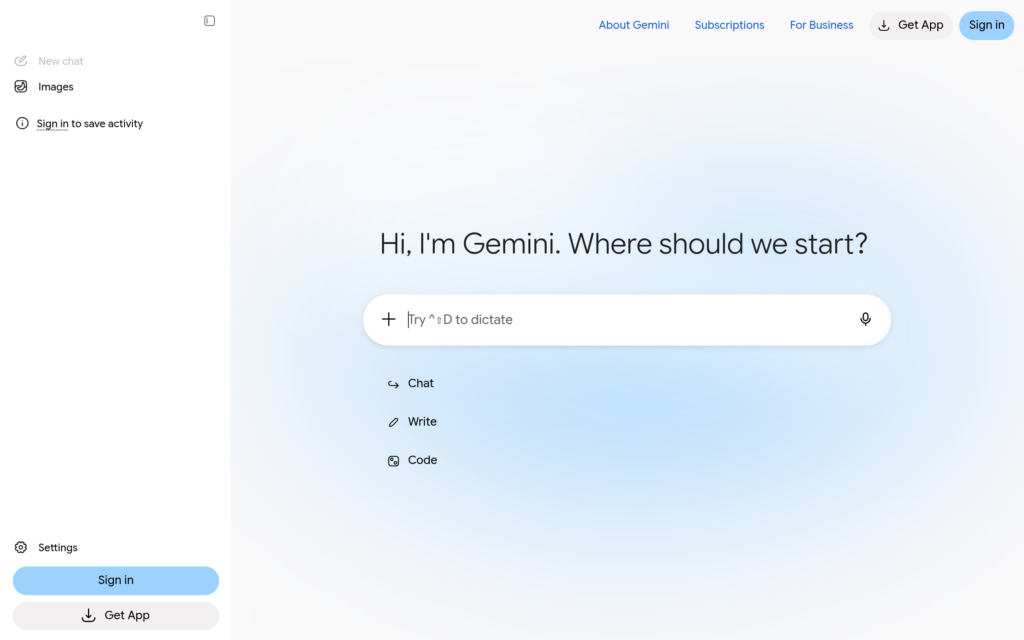
Gemini’s advantage is not the writing itself — it is what sits behind the writing. It searches the live web, pulls in your Google Docs and Gmail context, and its Deep Research mode reads dozens of sources before it writes a word. For research-led pieces, that is worth more than a slightly better sentence.
The free tier is genuinely usable for writing work. AI Pro, at $19.99 a month, adds the stronger model, higher limits and Gemini in Google Workspace apps.
What I liked: the research step. Ask it to research a topic first and it comes back with sources you can actually open, which makes the draft that follows far less likely to invent facts. If your workflow already lives in Google Docs, the integration is seamless.
The catch: the prose itself is plainer than Claude’s and less punchy than ChatGPT’s — expect to edit more. And Google has reshuffled Gemini’s tiers and names more than once, so the plan names in older guides may not match today’s pricing page.
Pricing: Free. AI Pro $19.99/month.
Best for: research-heavy writing and anyone already living in Google Workspace.
4. Jasper — best for marketing teams and brand voice
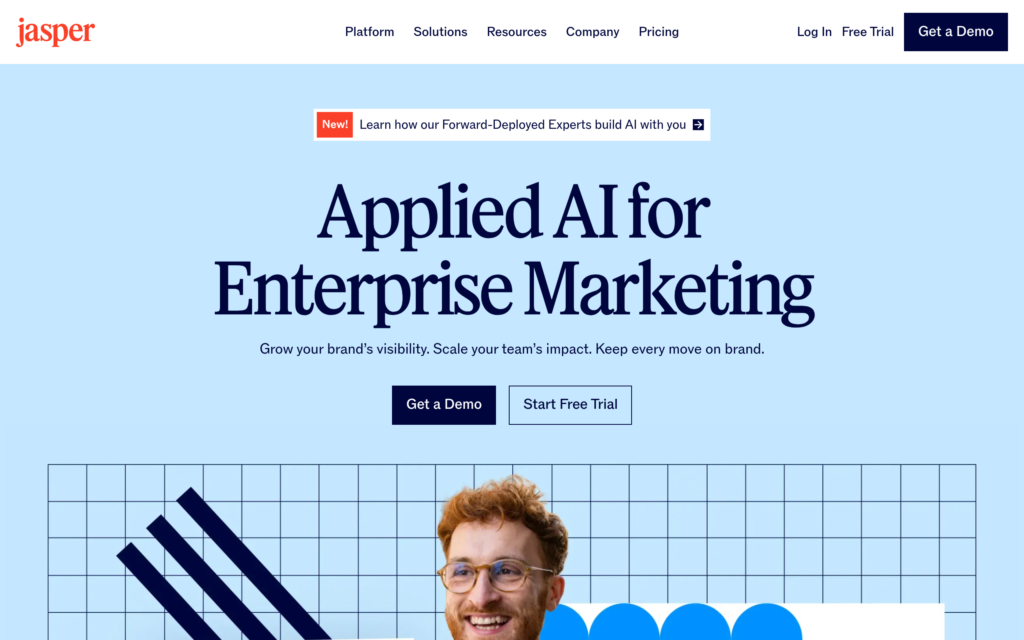
Jasper is one of the priciest tools in this list, and the one most likely to be worth it — if you are a team. Its Brand Voice system learns how your business writes, its Canvas workspace is built for campaign planning, and its templates cover the whole marketing workflow from brief to ad copy. This is a content operations tool, not a chatbot with a nicer font.
One warning before the price: Jasper restructured its plans in late 2025 and retired the old Creator tier. Several guides still list Creator at $39 a month — that plan no longer exists. The entry point now is Pro.
What I liked: Brand Voice is the real differentiator. Feed it your best pages and the output stops sounding like every other AI draft. For a small team producing marketing content every week, that consistency is worth more than a cheaper tool that needs heavy editing.
The catch: the price. Pro is $69 a month ($59 billed annually) and it charges per seat, so a three-person team pays three times. There is no free plan — only a 7-day trial — and SEO mode needs a separate Surfer SEO subscription on top.
Pricing: Pro $69/month ($59 billed annually). Business is custom-priced. 7-day free trial, no free plan.
Best for: marketing teams and agencies that publish every week and need one consistent voice.
5. Copy.ai — best for sales and go-to-market content
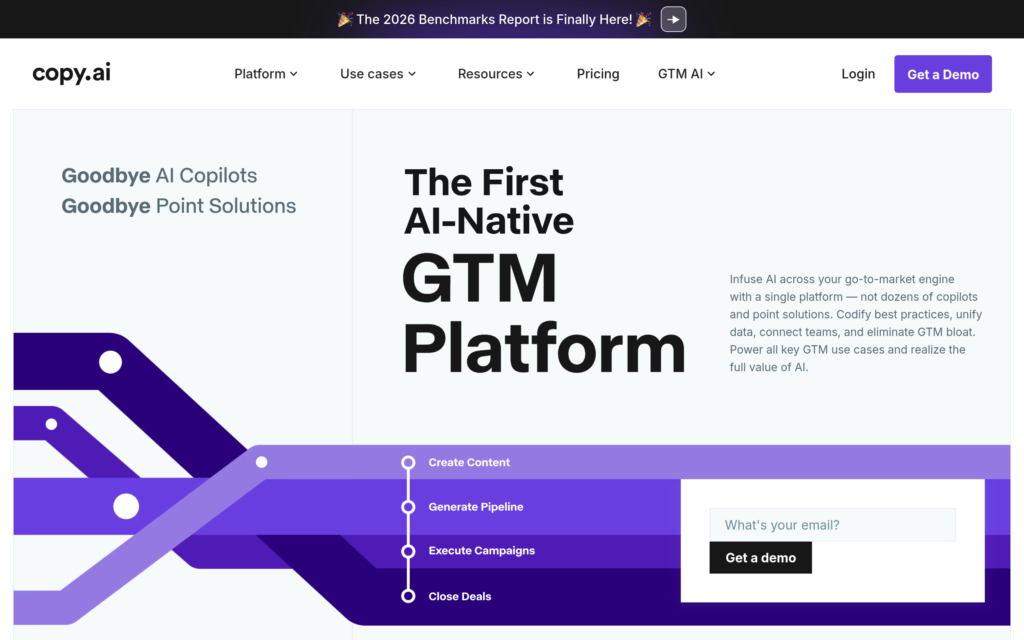
Copy.ai stopped being just an AI writer and became a go-to-market platform: the same tool that writes your cold emails also runs the workflows that enrich leads and push them into your CRM. If your writing job is sales content — emails, sequences, landing pages, product descriptions — that is the use case it is built for.
A pricing note, because this one is confusing: Copy.ai has renamed its tiers more than once during 2026. The freshest sources list a Chat plan at $29 a month ($24 billed annually); older guides list a Starter plan at $49 a month ($36 annually). Check the pricing page before you pay — the free tier, at 2,000 words a month, is the same either way.
What I liked: the workflow library. The 90+ templates are genuinely useful for sales copy, and the free tier is generous enough to test on real work before paying. Brand Voice and the Infobase (your company’s facts, on tap) stop the tool inventing product details.
The catch: the Advanced plan is $249 a month on annual billing, which is team pricing, not solo pricing. And the GTM workflow features are overkill if you only want a writing tool — you are paying for a platform when you might only need a pen.
Pricing: Free (2,000 words/month). Chat $29/month (20% off on annual billing); Advanced $249/month (billed annually).
Best for: sales and marketing content, especially cold email and landing pages.
6. Writesonic — best for SEO articles at volume
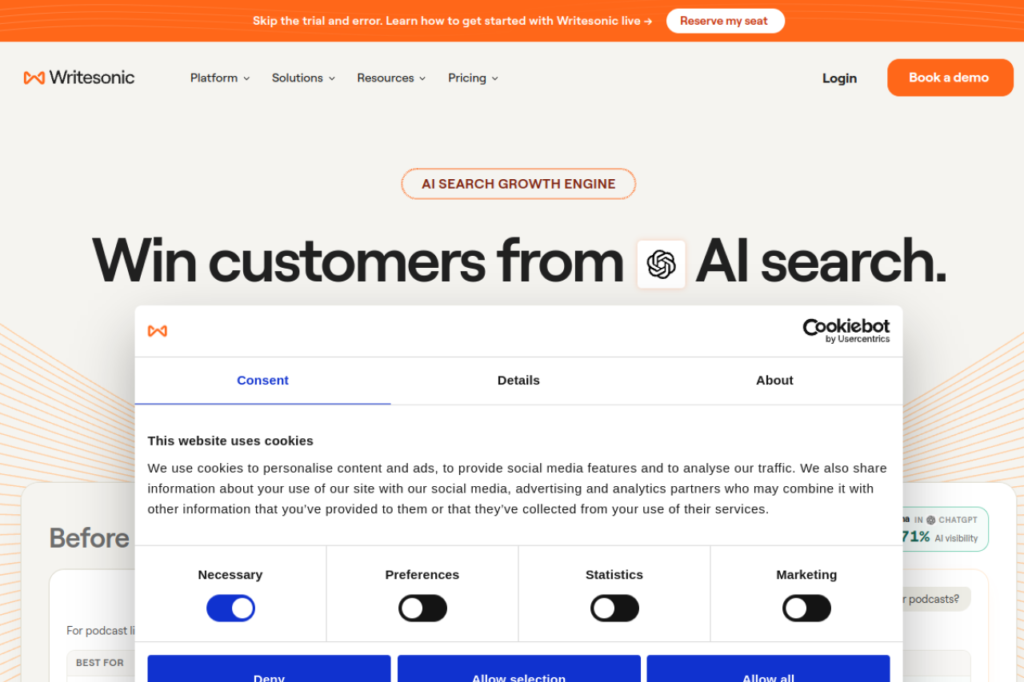
Writesonic rebuilt itself in 2026 around one job: SEO articles, at volume, that also get tracked in AI search. Its Starter plan generates keyword-led article drafts and then tracks whether those articles get cited by ChatGPT and Google AI Overviews — the only tool in this list that closes that loop for you.
The pricing pivot is the elephant in the room. Writesonic used to be one of the cheapest AI writers — plans started around $12–$16 a month. The Starter plan is now $79 a month billed annually. Older guides still show the old prices; do not trust them.
What I liked: the article workflow is genuinely built for ranking — brief, outline, draft, internal-link suggestions — and the AI-visibility tracking answers the question every SEO writer now asks: is this content showing up in AI answers, not just in search results?
The catch: $79 a month is team pricing for a solo blogger, and the Starter plan covers only around 15 articles a month. If you publish twice a week, you will hit the limit. The free trial needs no card, which is the honest way to test it.
Pricing: Free trial. Starter $79/month (billed annually); Basic $199/month; Growth $399/month.
Best for: content teams publishing SEO articles every week and tracking AI visibility.
7. Frase — best for SEO briefs and outlines
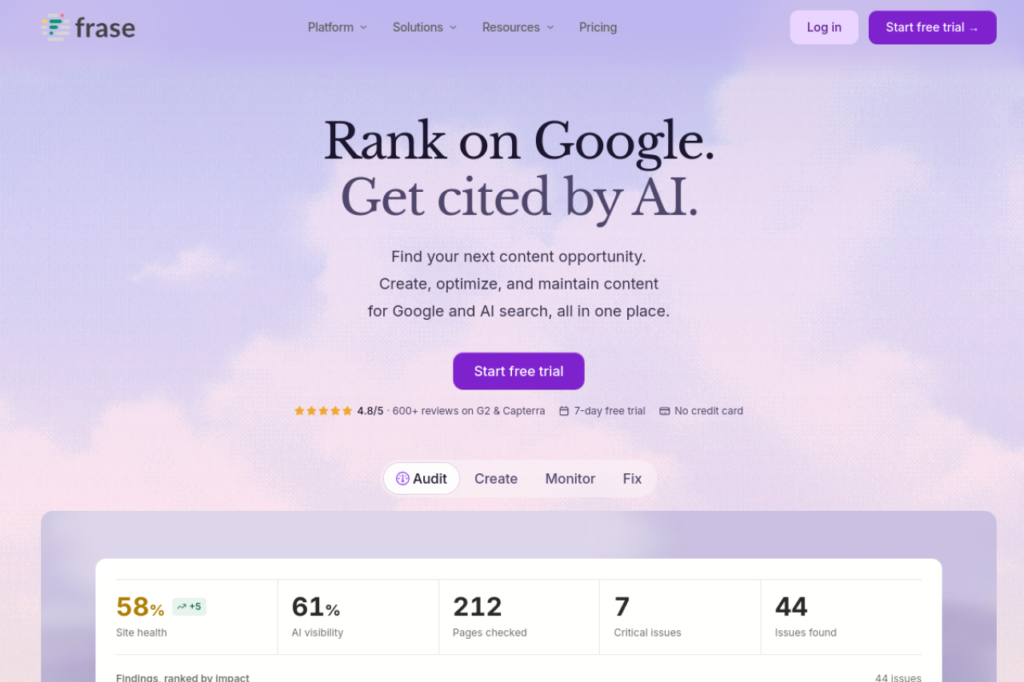
Frase does one thing, and it does it better than the general writers: it reads the top-ranking pages for your keyword, then builds a brief — headings, questions to answer, topics to cover — that gives your draft a real chance of ranking. It is a research tool first and a writing tool second, and that order is the point.
The workflow is: pick a keyword, Frase analyses the SERP, you get an outline with the questions searchers actually ask, then you write (or generate) against that brief. Used this way, it is the cheapest SEO insurance in this list.
What I liked: the brief quality. Most AI writers generate from a blank prompt; Frase generates from what already ranks. The difference shows in the first draft — fewer generic paragraphs, more of the specifics the top pages cover.
The catch: it is not a general writer. Short copy, emails, ad headlines — use something else. And the value depends on you actually following the brief; a Frase brief ignored is money wasted.
Pricing: Starter $49/month ($39 billed annually); Professional $129/month ($103 annual); Scale $239/month.
Best for: anyone writing content that has to rank for a specific keyword.
8. Grammarly — best editor for polishing what you wrote
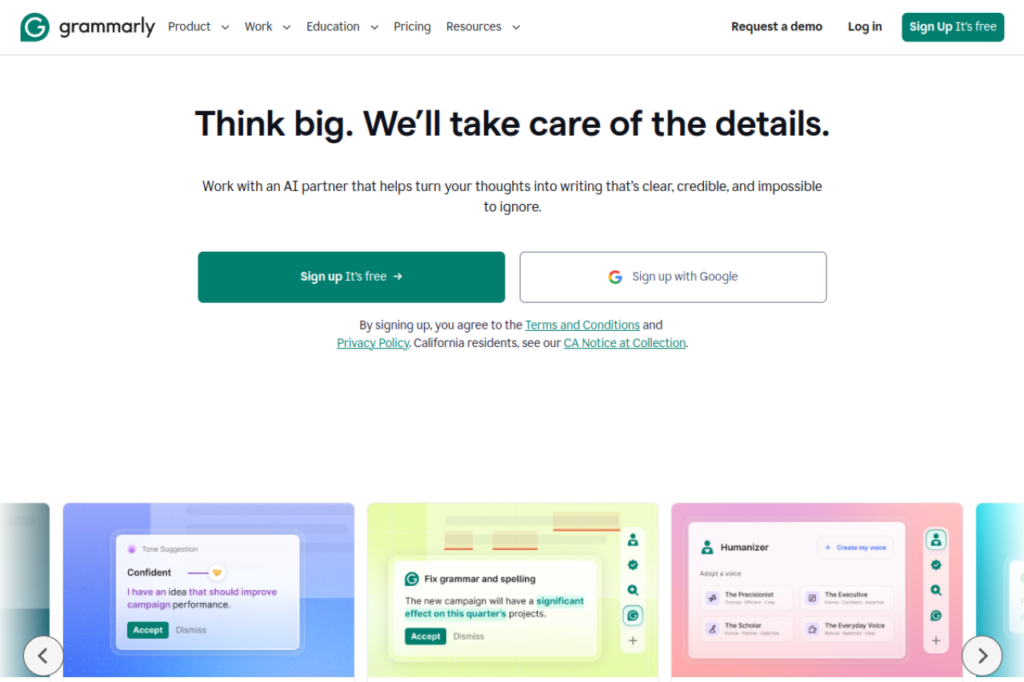
Grammarly is not a content generator, and that is exactly why it belongs in this list. Every draft in this guide — including the ones the tools above wrote — gets better when Grammarly reads it. It catches grammar, clarity and tone problems in real time, wherever you type: browser, docs, email, desktop.
The free plan covers grammar, spelling, punctuation and conciseness, plus 100 AI prompts a month. Pro, at $12 a month billed annually ($30 month-to-month), adds full-sentence rewrites, tone detection, plagiarism detection and 2,000 AI prompts a month.
What I liked: it works on your words, not instead of them. The rewrite suggestions keep your meaning and fix the sentence, and the tone detector catches the email that sounds angrier than you meant. For a small business, the Business plan’s style guides keep everyone writing the same way.
The catch: it does not draft for you — if you need words from nothing, start with ChatGPT or Claude and bring the draft here. And the $30 month-to-month price is steep; the annual $12 rate is the honest price.
Pricing: Free. Pro $12/month (billed annually, $30 month-to-month); Business $15/member/month (annual).
Best for: every writer, on top of whatever drafting tool you choose. If you buy one paid tool from this list, make it this one or Claude.
9. QuillBot — best for paraphrasing and summarising
QuillBot is the specialist: it takes text you already have and rewrites it — paraphrase, shorten, expand, change the tone, summarise a long document into the points that matter. For rewriting client copy, repurposing a blog post into social captions, or making a dense paragraph readable, nothing else in this list is as focused.
The free plan covers paraphrasing with limits. Premium, at $8.33 a month billed annually ($19.95 month-to-month), removes the limits and adds the plagiarism checker and summariser.
What I liked: the paraphraser has modes — formal, simple, creative, expand, shorten — and they actually behave differently, which is rarer than it sounds. The summariser is the fastest way to pull the argument out of a 20-page PDF.
The catch: it is an editor, not a drafter. It cannot write from a blank prompt, and heavy paraphrasing of AI text does not make it undetectable — detectors still flag it, and more importantly, so do readers.
Pricing: Free. Premium $8.33/month (billed annually, $19.95 month-to-month).
Best for: paraphrasing, summarising and reworking existing copy.
10. Rytr — best budget AI writer
Rytr is the cheapest paid AI writing tool with genuinely useful output. The free plan gives you 10,000 characters a month — enough for a few short posts — and the Unlimited plan is $9 a month ($7.50 billed annually). That is less than a single lunch, for unlimited short-form generation across 40+ templates.
It covers blog intros, product descriptions, emails, social captions and ad copy in 30+ languages. It will not write you a great 2,000-word guide — that is Claude’s job — but for short copy it is fast and honest about what it is.
What I liked: the price-to-usefulness ratio. No other tool in this list gives you unlimited generation for under $10 a month, and the free tier never expires, so you can test it on real work for as long as you like.
The catch: long-form quality is weak, there is no SEO tooling, and the output needs editing — at this price, that is a fair trade, but do not expect Jasper quality.
Pricing: Free (10,000 characters/month). Lite $9/month; Personal $19/month; Pro $49/month (20% off with yearly billing).
Best for: solo founders and freelancers who need short copy fast and cheap.
11. Notion AI — best if your docs already live in Notion
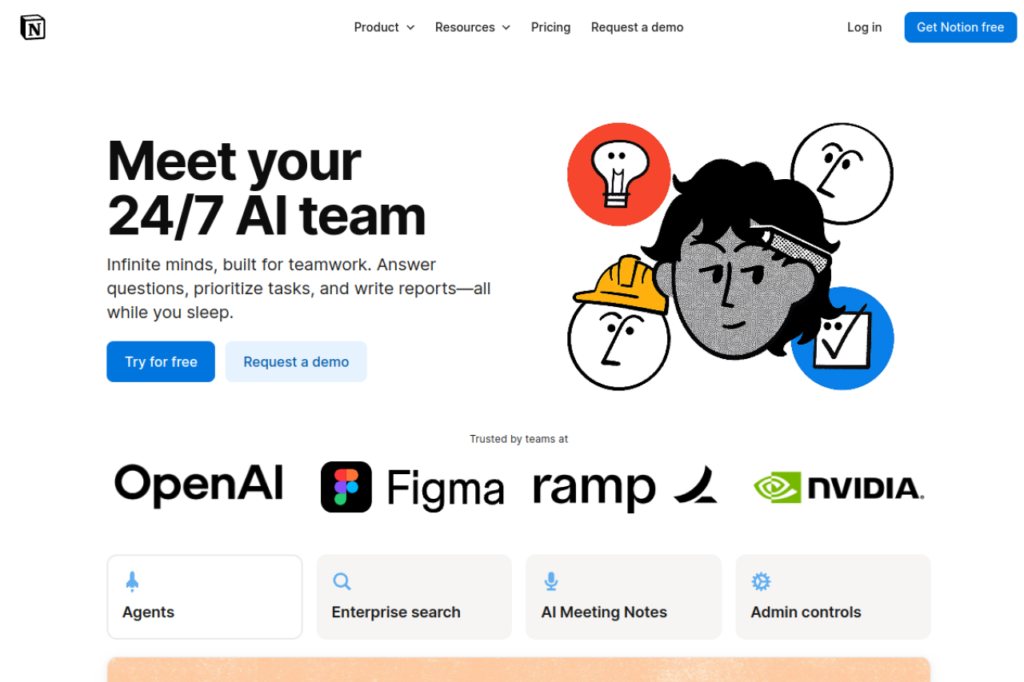
Notion AI is not a standalone writing tool — it is the AI layer inside Notion. If your notes, docs, meeting summaries and content calendar already live there, it writes where you work: summarise a page, draft from your own notes, turn meeting notes into action items, without copy-pasting between apps.
It comes with the Business plan at $20 per member per month (billed annually). There is no separate cheap tier any more — Notion folded AI into Business, so the honest price is the Business price.
What I liked: it writes from your own material. Ask it to draft from a page of notes and the result uses your facts, not invented ones — which solves the biggest problem with every other tool in this list.
The catch: if you do not already live in Notion, do not start. It is a good reason to upgrade Notion, not a reason to adopt it. And the long-form drafting is weaker than Claude’s.
Pricing: Included in the Business plan, $20/member/month (billed annually).
Best for: teams whose docs, notes and content planning already live in Notion.
12. WordHero — best lifetime deal for general writing
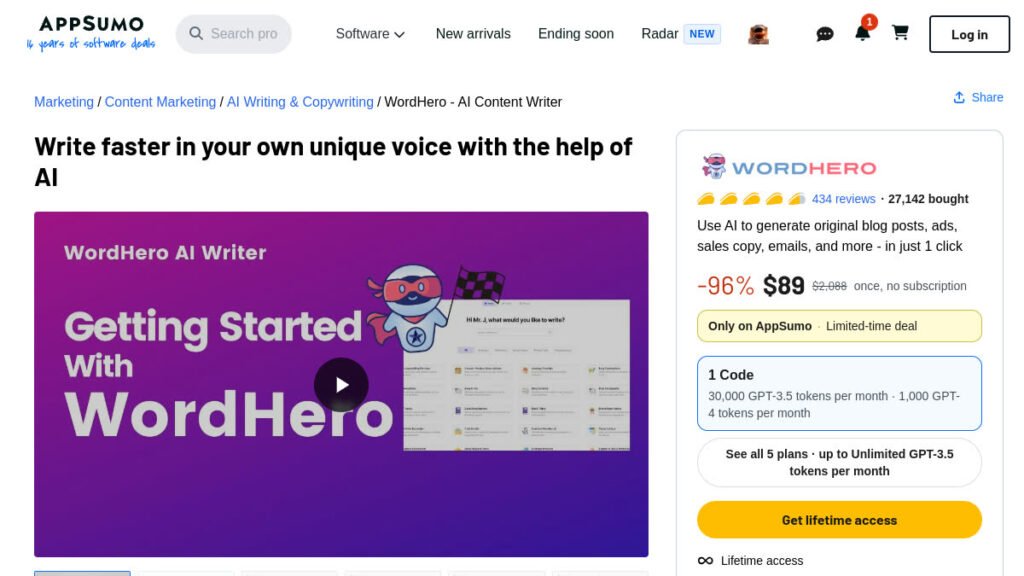
WordHero is the lifetime-deal answer to this whole category: one payment of $89 on AppSumo, no monthly fee, and a tool that covers blog posts, ads, emails and product descriptions. It is an AI writer with 50+ writing tools and templates — blog posts, ads, sales copy, emails — built for people who need a first draft fast.
Two honest limits from the deal page: the long-form editor is a separate paid add-on, and GPT-4 credits are limited — unlimited writing sits on the PRO plan, which takes three codes. At $89 for one code, this is still the cheapest way to own a general AI writer outright.
What I liked: 50+ purpose-built tools beat a blank chat box when you know the format you need. And the maths: $89 once versus $59–$69 a month for Jasper is paid back in under two months.
The catch: the long-form editor add-on and the GPT-4 credit limits. Check which tier you need before you buy — one code covers short-form work; long-form writers should look at the higher tiers.
Pricing: $89 once (lifetime deal). 4.56/5 from 435 reviews on AppSumo. 60-day refund.
Best for: small businesses that want an AI writer without another monthly subscription.
13. Writeseed — best lifetime deal for LinkedIn and blog repurposing
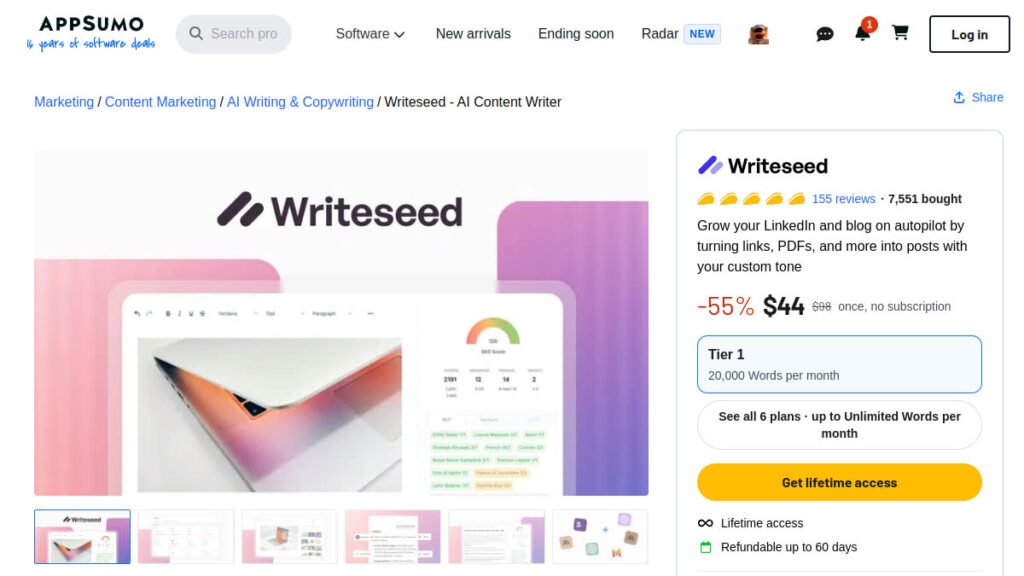
Writeseed takes a link or a PDF and turns it into a LinkedIn post or a blog article in your own voice — with a batch writer that handles up to 30 articles at once. It runs on GPT-5 and Claude 4, with 50+ templates and a Chrome extension. If your job is turning material you already have into posts, this is the most direct tool in the list.
One thing to know before you buy: AppSumo lists this deal as refundable up to 60 days, but the listing is managed by the partner and AppSumo’s ‘We Got Your Back’ guarantee does not apply — so check the refund terms before you buy.
What I liked: the voice matching. Feed it your own posts and the output sounds like you, not like a template — and the batch writer is a real time-saver for anyone repurposing one piece of content into many.
The catch: a narrower job than WordHero — this is a repurposing tool, not a general writer — and AppSumo’s ‘We Got Your Back’ guarantee does not apply to this partner-managed listing.
Pricing: $44 once (lifetime deal). 4.74/5 from 155 reviews on AppSumo. Refundable up to 60 days.
Best for: LinkedIn creators and bloggers who repurpose content every week.
14. nichesss — best lifetime deal for ideas, short copy and images
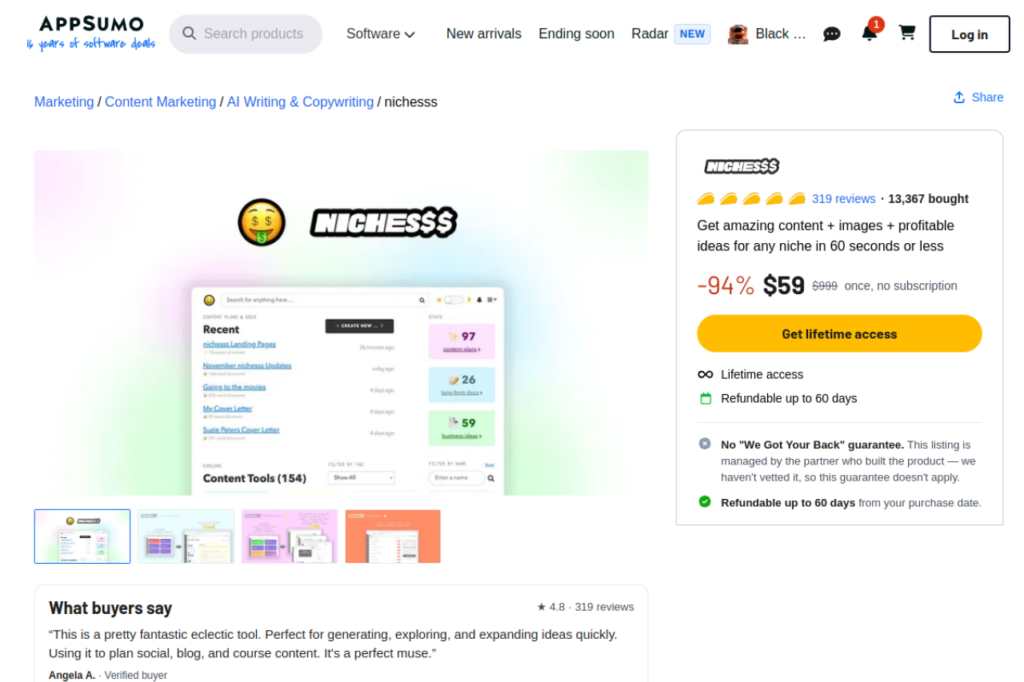
nichesss is the ideas machine: 150+ AI tools that generate business ideas, blog posts, marketing copy, ads, social posts and AI images — plus a business-idea generator for when you are still at the idea stage. One payment of $59, unlimited tokens, and the deal includes API access.
At 4.78/5 from 319 reviews, it is the highest-rated lifetime deal in this guide, and the cheapest per tool in the list by a wide margin.
What I liked: the breadth. No other $59 tool here covers ideas, copy and images in one place, and the Chrome extension that turns a keyword tool into article drafts is a neat touch for content research.
The catch: breadth is also the weakness — no single tool inside nichesss is as good as the specialist that does only that job. Use it for ideas and first drafts, then finish in Claude or Grammarly.
Pricing: $59 once (lifetime deal). 4.78/5 from 319 reviews on AppSumo. 60-day refund.
Best for: founders and creators who need ideas and short copy every day.
Writing a book? Two lifetime deals built for it
Most tools in this list write pieces. Two AppSumo lifetime deals write books. AIWriteBook covers the whole book — outline, chapters and a finished manuscript — and holds 4.73/5 from 237 reviews. Inkfluence AI turns books into social posts, ads and email campaigns, at 4.03/5 from 39 reviews. Both are $49–$79 once, with a 60-day refund.
The free stack: $0 a month, honestly good
If your budget is zero, this is the stack: ChatGPT free for drafting, Claude free for long pieces, Gemini free for research, Grammarly free for polishing, QuillBot free for paraphrasing. That is five real tools, no card required, and it covers every job in the “how to choose” table above except SEO briefs and brand-voice marketing copy.
The honest limit: free tiers cap usage. The night before a deadline is when the cap bites. If you write every day, the first $9–$12 you spend should go to Rytr Unlimited or Grammarly Pro — the two cheapest paid steps in this guide.
AI writing and SEO: what to watch
Three things the roundups agree on. First, Google does not penalise AI content as such — it rewards helpful content and ignores the rest. But pages that are pure AI output with no human editing rarely rank: one analysis cited in the 2026 roundups found AI-only pages reaching the top spot far less often than human-edited ones. Edit everything. Second, AI detectors exist, but they are unreliable — do not build your workflow around beating one. Third, never publish a fact, quote or citation an AI tool generated without checking it. That single habit separates content that ranks from content that embarrasses you.
How I picked these — and what I did not do
I checked every price and free-tier limit on the official pricing page on 16 November 2026, cross-checked the three freshest 2026 roundups, and verified every lifetime deal live on AppSumo the same day. I did not run a controlled hands-on benchmark of all fourteen tools with scored outputs — no roundup in the top results for this keyword has done that either, and I would rather say so than pretend. What this guide does instead: accurate 2026 prices (several rivals still list retired plans), honest cons per tool, and the lifetime-deal angle none of the top eight articles cover at all.
Before you buy
Before you buy, check the price on the tool’s own pricing page — the prices in this guide were checked on 16 November 2026 and they do change. Start on the free tier when there is one, and only pay when you hit a limit you actually feel. For the AppSumo lifetime deals, check the tier limits (word caps, GPT-4 credits) and the refund window before you buy: WordHero, nichesss, AIWriteBook and Inkfluence AI carry a 60-day refund, and Writeseed is refundable up to 60 days too, though its listing is partner-managed and AppSumo’s ‘We Got Your Back’ guarantee does not apply. And remember the three rules from the start of this guide: the free tier must cover real work, the tool must be good at your specific job, and the price must make sense for how much you write.
Frequently asked questions
What is the best free AI writing tool?
ChatGPT free is the best free all-rounder for drafting. Pair it with Grammarly free for polishing and Claude free for long pieces, and you have a $0 stack that covers most writing jobs. If you only need short copy, Rytr’s free tier (10,000 characters a month, never expires) is the most generous free plan for drafting.
Which AI tool is best for content creators?
Claude for long-form and scripts, ChatGPT for ideas and drafts, and Grammarly for the final polish. If you publish on a schedule, Jasper’s Brand Voice keeps every piece sounding like you — but at $69 a month, it is a business expense, not a creator toy.
Which AI is better than ChatGPT for writing?
Claude is better than ChatGPT for long, careful writing — it holds a consistent voice across 2,000 words and follows detailed instructions more faithfully. Gemini is better for research-led writing because it searches the live web and cites real sources. ChatGPT is still the best all-rounder.
What is the best AI writing tool for SEO?
Writesonic for SEO articles at volume (with AI-visibility tracking), and Frase for the briefs that make those articles rank. No AI writer ranks on its own — the brief, the editing and the expertise in the piece do the ranking.
What is the best AI writing tool for long-form content?
Claude, by a clear margin. Its long-form output holds voice and structure better than ChatGPT, Jasper or any other tool in this guide. Draft in Claude, polish in Grammarly.
Is there an AI writing tool you pay for once, not monthly?
Yes — lifetime deals on AppSumo. WordHero ($89 once) is the best general AI writer deal, Writeseed ($44 once) is best for LinkedIn and blog repurposing, and nichesss ($59 once) covers ideas, short copy and images. All three are in this guide with their AppSumo ratings and refund windows.
Can Google detect AI writing — and does it matter?
Google can often tell, and detectors exist, but detection is not the penalty. Google rewards helpful content regardless of how it was produced. What gets penalised is thin, unedited, unhelpful content — which is what you get when you publish AI output without editing it. Edit everything, add your own experience, and check every fact.
Verdict: the best AI writing tools for most buyers
Start free: ChatGPT, Claude and Grammarly cost nothing and cover drafting, long-form and polishing. When you are ready to pay, spend the first $9–$12 on Rytr or Grammarly Pro. If you write marketing copy every week, Jasper is worth its $69 — and if you would rather pay once, WordHero at $89 once is the deal that ends the monthly bill for general writing. The tool matters less than the habit: draft with AI, edit like a human, check every fact.
If you are choosing tools for a small business rather than just writing, the broader guide is Best AI Tools for Small Business — and if you are a student, Best AI Tools for Students covers the free tiers in more depth. For the lifetime deals in this guide and 58 more, see Best AppSumo Lifetime Deals and the full lifetime deals list.
Last checked: 16 November 2026. Prices and free-tier limits change — verify on the official pricing page before you pay.