Disclosure: Some links in this article are affiliate links. If you buy through them, I may earn a commission at no extra cost to you. It never changes what I recommend — and most tools below are free anyway.
Most “best AI tools for students” lists have the same problem: they rank tools by how famous they are, not by what a student can actually use for free. A $20-a-month subscription is real money when your budget is a part-time job and a mess bill. So this list is built the other way around.
Every tool below has a free tier that does real work — not a 3-day trial, not a demo. I checked each free plan, its actual limits, and its student offer on the official pricing page on 16 November 2026. Where a paid plan is worth it, I say so. Where the free tier is enough, I say that too.
Jump to: Top Picks · Quick Answer · How we checked · Quick View · Free tools ($0) · How to choose · Before you buy · FAQ · Verdict
Top Picks
- Best all-rounder: ChatGPT — free plan, or Plus at $20/month (Go at $8/month).
- Best for research: Gemini — 1 year free for eligible students (redeem by 31 Dec 2026).
- Best for studying your own notes: NotebookLM — free, 50 sources per notebook.
- Best for long writing: Claude — Pro $20/month.
- Best for cited answers: Perplexity — Education Pro $10/month for verified students.
- Best free stack ($0): ChatGPT + Gemini + NotebookLM + Grammarly free + Notion Education Plan.
Quick Answer
If you only pick three, pick NotebookLM for studying your own notes, Perplexity for research you can cite, and ChatGPT for explaining anything. Add Grammarly free for polishing, and Notion free for keeping it all together. That stack costs $0 — and it is the core of the best free AI tools for students in this guide.
Best AI tools for students at a glance
| Tool | Best for | Free version | Paid / student price |
|---|---|---|---|
| ChatGPT | Explaining anything, Study mode | Yes — GPT free tier | Plus $20/mo; Go $8/mo |
| Google Gemini | Research, Deep Research | Yes | AI Pro $19.99/mo — free 1 year for eligible students |
| NotebookLM | Studying your own notes & PDFs | Yes — fully free | Free |
| Claude | Long readings, careful writing | Yes | Pro $20/mo ($17/mo annual) |
| Perplexity | Research with real citations | Yes | Education Pro $10/mo |
| Grammarly | Polishing essays | Yes — 100 AI prompts/mo | Pro $12/mo annual |
| QuillBot | Paraphrasing & summarising | Yes | Premium from ~$10/mo (annual) |
| Notion | Notes, planning, revision | Yes | Education Plan free for students |
| Otter.ai | Lecture transcripts | Yes — 300 min/mo | Pro $16.99/mo, 20% off for students |
| GitHub Copilot | Coding help | Free for verified students | Free with Student Developer Pack |
| Canva | Presentations & posters | Yes | Education free; Pro ~$120/yr |
| UPDF | PDF textbooks — annotate & organise | Free reader | $95 once (lifetime deal) |
How we checked these best AI tools for students
Start from the job, not the brand. A student has five recurring jobs: understanding a topic, studying from their own material, finding sources you can cite, writing it up, and capturing lectures. A tool that is brilliant at one job can be useless at another — ChatGPT explains beautifully and invents citations; Perplexity cites properly and explains thinly. Match the tool to the job and you stop paying for five subscriptions that all do the same thing.
Three rules I used for every pick: (1) the free tier must cover real coursework, (2) the limit must be stated plainly so you are not surprised mid-assignment, (3) no tool here exists only to sell you something.
The best AI tools for students that cost $0
If you spend nothing, you still get a serious stack: ChatGPT (free), Gemini (free, plus 1 year of AI Plus free for eligible students), NotebookLM (free), Grammarly (free, 100 AI prompts a month), Notion (Education Plan free) and GitHub Copilot (free for verified students). Start with those six; pay only when a free limit actually blocks your work.
1. ChatGPT — best all-rounder for explaining anything
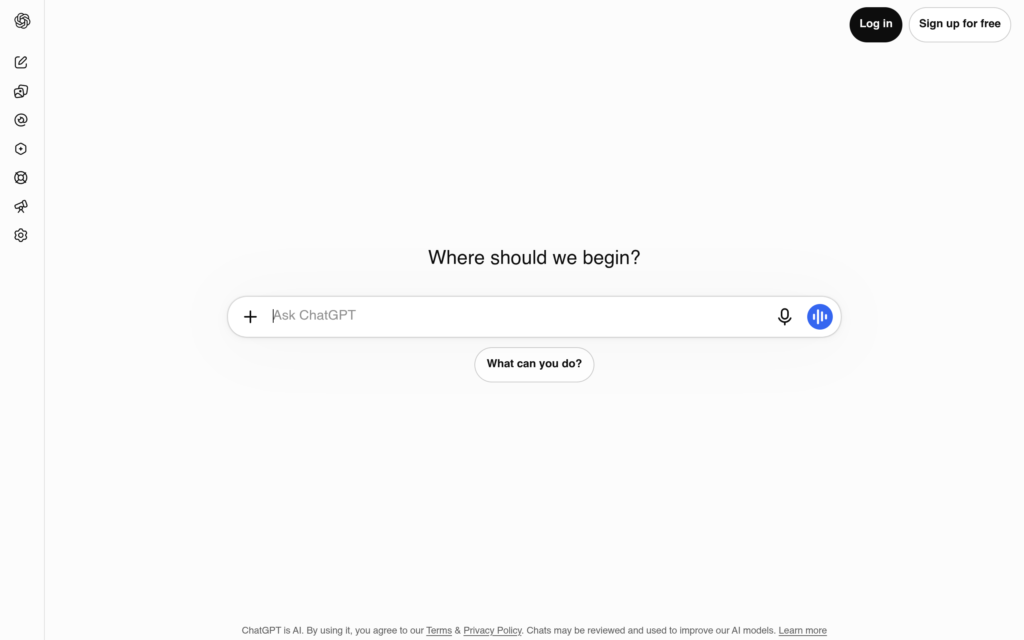
ChatGPT is still the first AI tool most students try, and for one reason: it explains things at whatever level you ask for. Stuck on a concept at 1 a.m.? Ask it to explain it like you are 15, then like you are a final-year student, then quiz you on it. That loop — explain, simplify, test — is the single most useful study habit AI enables, and ChatGPT’s free tier does it.
The free plan runs the current free model with a message cap that resets every 5 hours, plus web search, file uploads and a small daily allowance of image generation. It also has a Study mode that asks you questions instead of handing you answers — use it when you actually want to learn, not when you want the homework done.
What I liked: the most forgiving explainer of the lot, and Study mode is genuinely designed for learning rather than answer-dumping.
The catch: it invents citations. Never paste a reference list it generated into an essay without checking every entry against the real source. And the free tier’s message cap will bite you the night before an exam.
Pricing: Free. Plus is $20/month; Go, a cheaper paid tier, is $8/month. OpenAI’s four free months of Plus for US college students ended 31 October 2026 — do not trust guides still advertising it.
Best for: understanding a topic, brainstorming, drafting outlines, practice questions.
2. Google Gemini — best for research with Deep Research
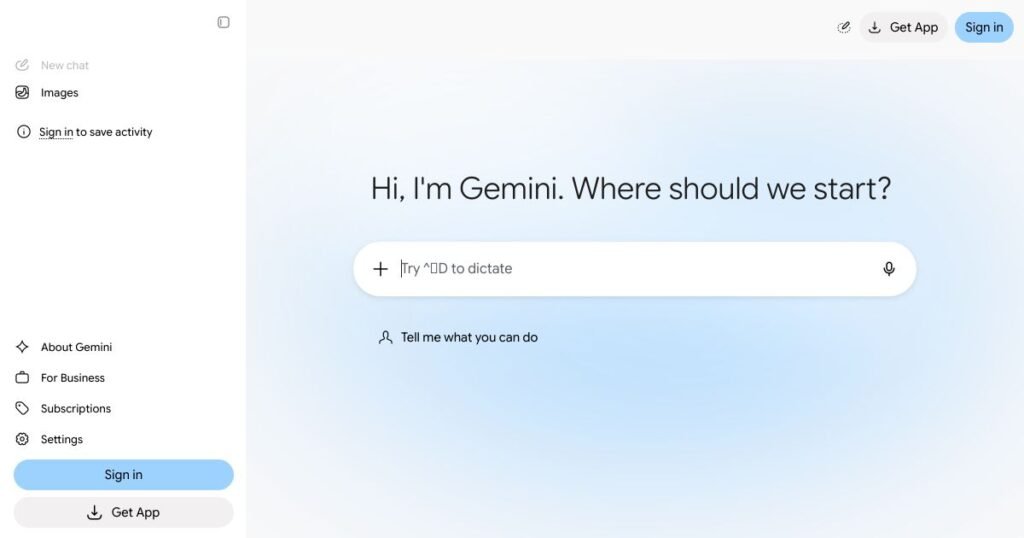
Gemini’s free tier is stronger than most people realise. Deep Research — the feature that reads dozens of sources and writes you a structured report — is free, and so is Canvas, a live drafting workspace. If your coursework lives in Google Docs and Drive, Gemini sits inside those apps and can summarise a document you are already staring at.
The real story for students is the student offer: eligible US college students aged 18+ get Google AI Pro free for 12 months (about $240 of value), and students in India and other countries where the offer is available get Google AI Plus free for a year instead. Both must be redeemed by 31 December 2026, need a payment method on file, and renew at full price ($19.99/month for Pro, ₹399/month for Plus in India) unless you cancel. Set a calendar reminder for the renewal date the day you claim it.
What I liked: Deep Research free is the standout — no competitor gives you that without paying. The Google Workspace integration saves real time.
The catch: the free year is a trial with a card on file, not free forever. And the India plan (AI Plus) no longer includes the top Pro model, so check what you are actually getting before you plan around it.
Pricing: Free tier for anyone with a Google account. AI Pro $19.99/month; free 1-year student offer (US) / AI Plus free 1 year (India + other countries), redeem by 31 Dec 2026.
Best for: research reports, summarising long PDFs, working inside Docs and Drive.
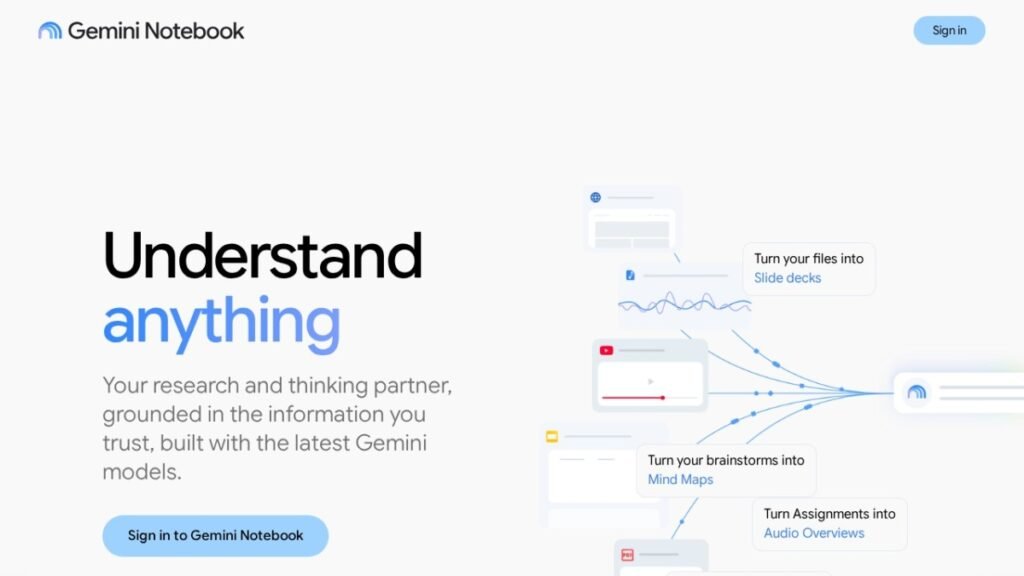
3. NotebookLM — best for studying your own notes and PDFs
NotebookLM (Google now calls it Gemini Notebook) works differently from every other tool on this list: you upload your own sources — lecture slides, PDFs, articles, even a YouTube link — and it answers using only those documents. It will not invent things from outside what you gave it. That makes it the most trustworthy study tool here, and it is completely free.
Upload a semester’s readings, ask it to explain a concept using only your professor’s slides, and it will. Ask for a quiz from your notes and it writes one. The audio overview feature turns your sources into a podcast-style discussion you can listen to on the bus. Limits are generous: 50 sources per notebook and 50 chats a day on the free tier.
What I liked: it grounds every answer in your material, so the hallucination problem mostly disappears. The audio overviews are the best revision tool nobody talks about.
The catch: it is only as good as your sources. Upload bad notes and you get confident answers from bad notes. It also cannot browse the live web for new information — that is Perplexity’s job, below.
Pricing: Free. No paid tier needed for students.
Best for: revision from your own notes, exam prep, understanding dense readings.
4. Claude — best for long readings and careful writing
Claude handles long documents better than any chatbot here. Drop in a 60-page paper and ask it to walk through the argument section by section, or to explain a dense paragraph three different ways until one clicks. Its free tier runs the current Sonnet model with limited usage that resets every 5 hours and every week, plus web search, file uploads, Projects and Artifacts — enough for real coursework.
For writing, Claude’s tone is the closest to a careful human draft, which is why it is my pick for essays you will then edit yourself. But that is the rule: edit yourself. Submitting raw AI text is both against most university policies and easy for a marker to spot.
What I liked: the best long-document reader, and the most natural writing partner for academic prose.
The catch: no student discount — Pro is $20/month ($17/month billed annually) with no education pricing. The free message cap is lower than ChatGPT’s in practice, so heavy days hit the wall.
Pricing: Free tier. Pro $20/month ($17/month billed annually).
Best for: long papers, problem sets, drafting essays you will rewrite in your own words.
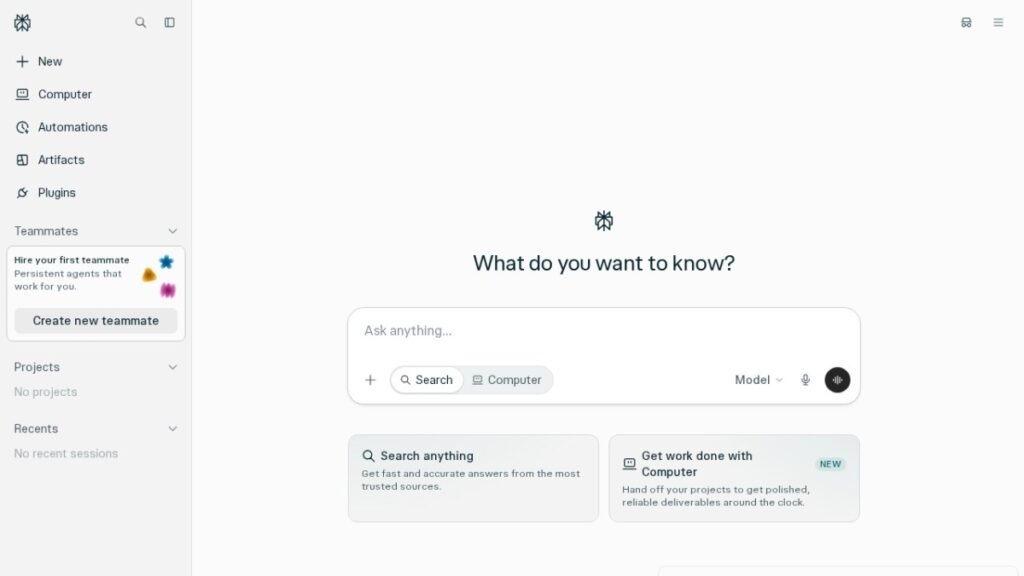
5. Perplexity — best for research you can actually cite
Perplexity is a search engine wearing a chatbot’s clothes. Ask a question and it searches the live web, then answers with numbered citations you can click and check. For anything you will repeat in an essay or a presentation, that is the difference between a source and a guess.
The free tier gives unlimited everyday searches with citations and a small daily allowance of the more powerful Pro searches — enough to find out whether you like it. Verified students get Education Pro for about $10/month (roughly half the regular $20), which adds Study Mode and far more citations per answer.
What I liked: every answer shows its sources. It is the one tool here I trust for facts I will put my name under.
The catch: it is a research tool, not a study partner — explanations are thinner than ChatGPT’s, and it will not hold a long back-and-forth the way Claude does.
Pricing: Free. Pro $20/month; Education Pro $10/month for verified students.
Best for: research papers, fact-checking, finding sources with citations.
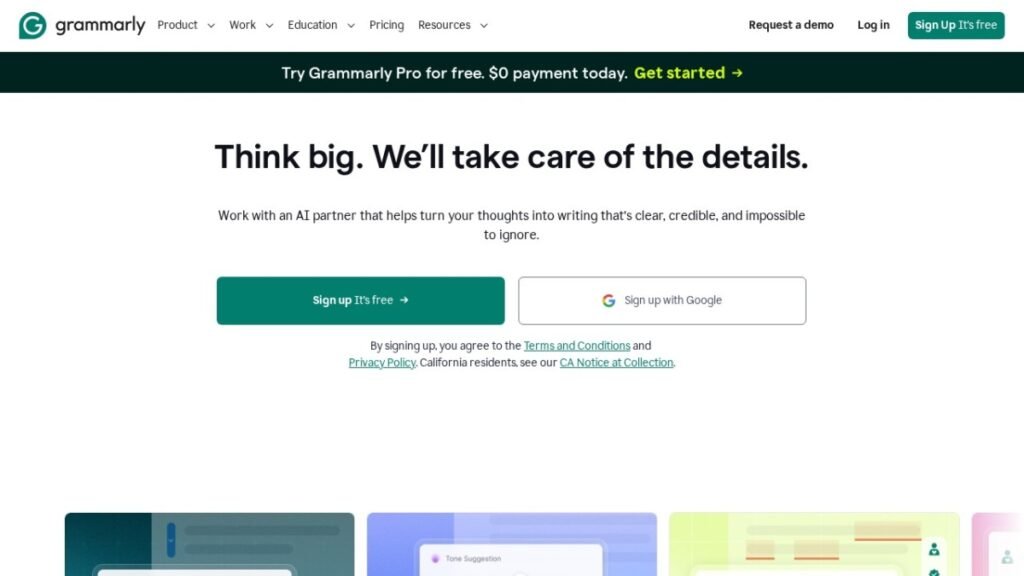
6. Grammarly — best for polishing essays before submission
Grammarly catches the errors ChatGPT drafts sail past: grammar, spelling, punctuation, tone, and the clumsy sentence you read five times without seeing. The free tier covers the basics plus about 100 AI prompts a month for rewrites and tone adjustments — enough for a normal essay load.
Pro adds plagiarism checking and full AI rewrites. Before you pay, check two things: some universities license Grammarly for students free, and a 50% student discount on Pro for the first billing period is advertised via student verification — verify both on Grammarly’s site before checkout.
What I liked: it finds mistakes in your own writing rather than writing for you, which keeps you on the right side of academic policy.
The catch: the plagiarism checker — the feature students most want — is Pro-only. And Grammarly polishes; it cannot fix an essay with no argument.
Pricing: Free. Pro $12/month billed annually ($30 month-to-month).
Best for: proofreading essays, applications, emails to professors.
7. QuillBot — best for paraphrasing and summarising
QuillBot does two student jobs well: paraphrasing a sentence that came out wrong, and summarising a long article into its key points. The free paraphraser and summariser cover short passages; Premium unlocks longer rewrites, all writing modes and the plagiarism checker.
Use it to understand and rephrase, not to disguise copied text — paraphrasing someone else’s work without citation is still plagiarism, and your university’s detector knows what QuillBot output looks like.
What I liked: the summariser is fast and honest about what a text actually says; the paraphraser rescues awkward sentences.
The catch: the free tier’s word limits mean long essays need several passes, and Premium’s value drops if you already have Grammarly.
Pricing: Free. Premium from about $10/month on the annual plan.
Best for: paraphrasing, summarising readings, tightening sentences.
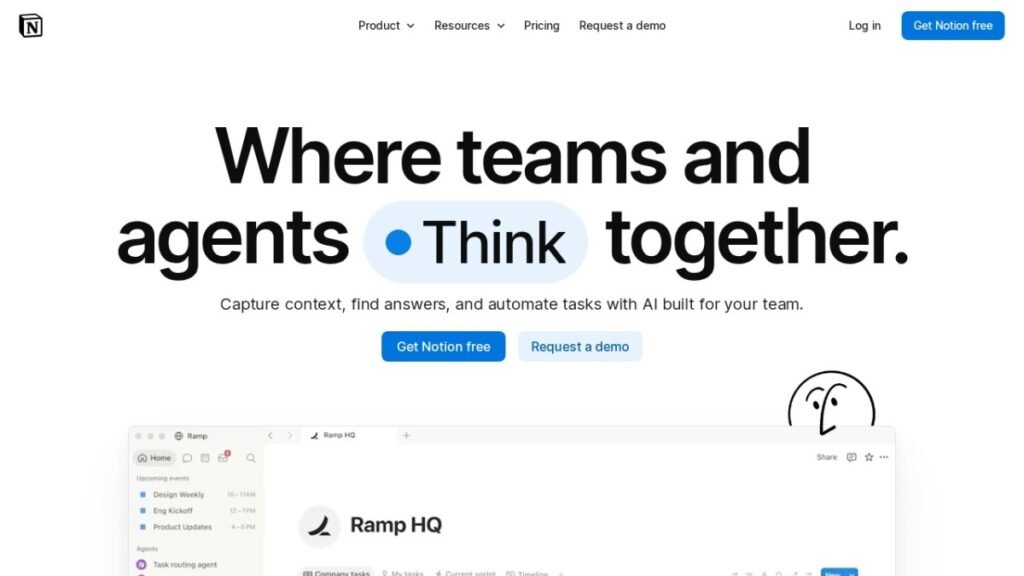
8. Notion — best for notes, planning and revision
Notion is where the rest of this list lives. Lecture notes, revision timetables, assignment trackers, reading lists — one workspace instead of five apps and a folder of loose Docs. The free plan covers all of it for individual use, and Notion Plus is free for students and educators with a school email, which adds unlimited file uploads and longer page history.
Pair it with NotebookLM: keep your notes in Notion, export the term’s material into a NotebookLM notebook when exams approach.
What I liked: one place for everything, and the student offer removes the only limit that matters.
The catch: Notion is a blank page — it takes an afternoon to set up a system that actually helps, and a bad setup is worse than a simple notes app. Start with a template, not from scratch.
Pricing: Free. Plus free for verified students and educators.
Best for: organising notes, revision planning, tracking assignments.
9. Otter.ai — best for lecture transcripts
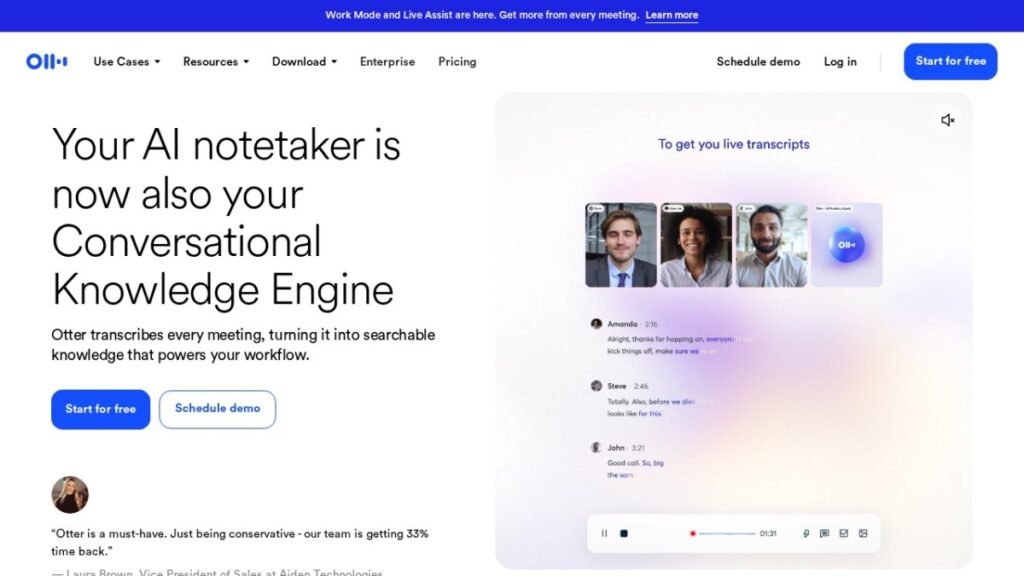
Otter records a lecture and turns it into a searchable transcript with a summary and key points. Searching “mitochondria” across a semester of biology lectures beats re-reading notes every time. The free plan gives 300 transcription minutes a month with a 30-minute cap per recording — a 50-minute lecture gets cut in half, so plan around that.
What I liked: searchable transcripts change revision. You stop memorising and start finding.
The catch: the 30-minute free cap is the real limit, not the 300 minutes. And always check your university’s recording rules — some lecturers do not consent to being recorded, and Otter needs the audio to work.
Pricing: Free (300 min/mo). Pro $16.99/month ($8.33/month billed annually); 20% student discount with a .edu email — $13.59/month monthly or $6.67/month billed annually ($79.99/year).
Best for: lecture notes, seminars, group-project meetings.
10. GitHub Copilot — best for students who code
If you write code as a student, GitHub Copilot is free for you — full stop. Verified students get Copilot Pro free through the GitHub Student Developer Pack, which also bundles other developer tools. It autocompletes code, explains error messages in plain English, and writes boilerplate you would otherwise type by hand.
The honest warning: Copilot writes code that works and code that looks like it works. For coursework, use it to learn the pattern, then write the assignment yourself — and check whether your course allows AI assistance before you submit anything it touched.
What I liked: free for students, inside the editor you already use, and genuinely good at explaining errors.
The catch: it can quietly teach you bad habits if you accept everything it suggests. Treat it as a tutor, not an author.
Pricing: Free for verified students (Student Developer Pack). Regular Pro is $10/month.
Best for: coding assignments, debugging, learning a new language.
11. Canva — best for presentations and posters
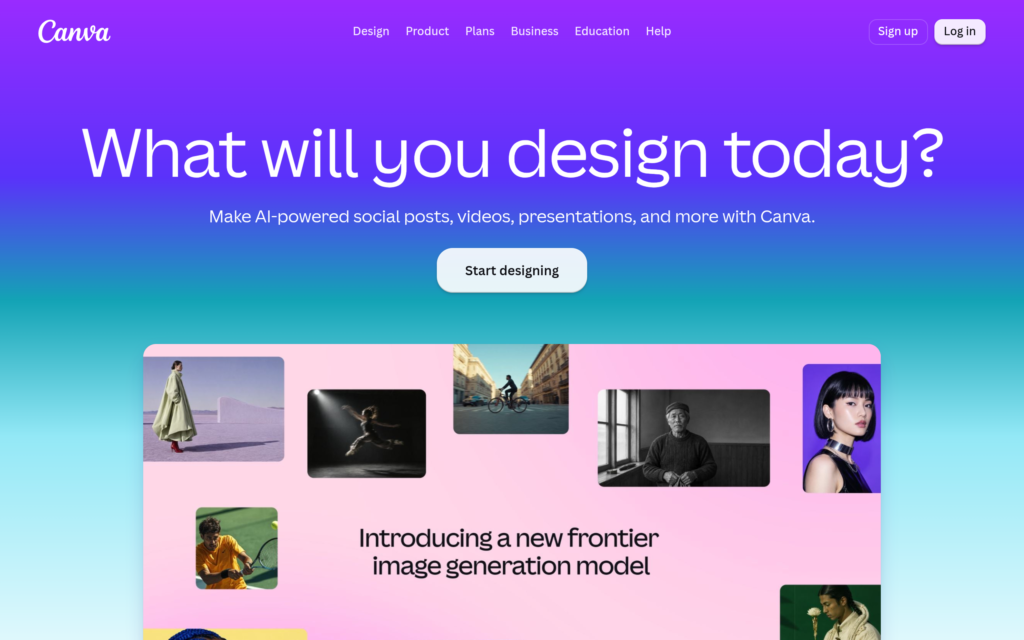
Most student presentations fail on design, not content. Canva fixes the design half: templates for slides, posters, infographics and social posts, with a free tier that covers almost everything a student needs. Canva for Education is free for eligible students and teachers, and adds premium templates and the background remover.
What I liked: a decent-looking deck in an evening, and the Education plan removes the paywall on the templates you actually want.
The catch: templates make everyone’s slides look the same. Change the colours, cut the text in half, and your deck stops looking like everyone else’s.
Pricing: Free. Canva for Education free for eligible students/teachers; Pro from ~$120/year. Canva has also added a cheaper Pro Lite plan (₹1,590/year in India).
Best for: class presentations, posters, project infographics.
One pay-once tool worth it for students
Everything above is free or has a free tier. This one is different: it costs money once, and then it is yours. For a student, a one-time payment beats a subscription that quietly renews every month.
UPDF — your PDF textbooks, finally organised
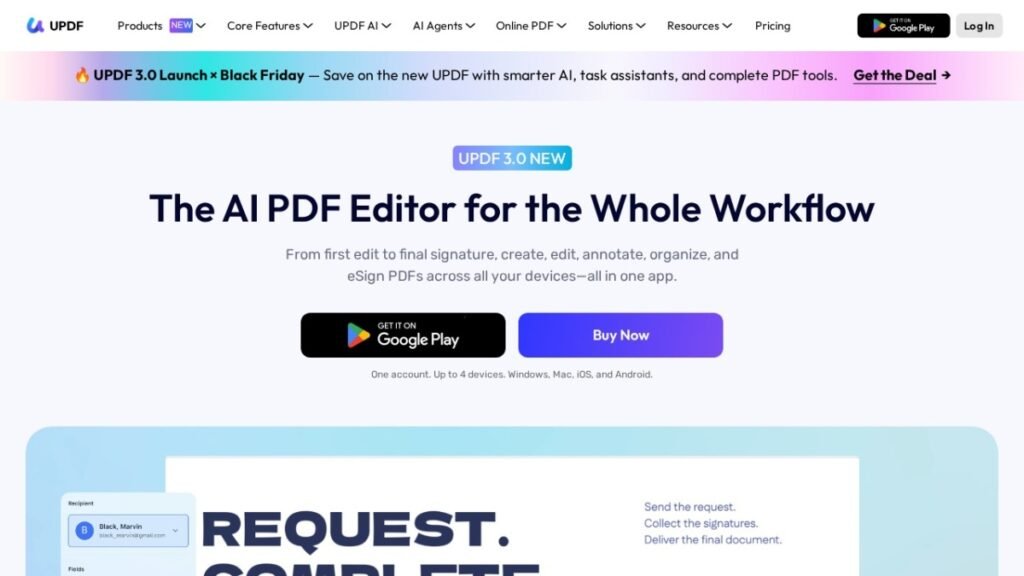
Students live in PDFs: textbooks, papers, lecture slides, forms. UPDF edits, annotates, converts, organises and OCRs PDFs on Windows, Mac, iOS and Android, so your highlights and notes stay in one place across devices. The free version reads PDFs; the paid version is the one that annotates and converts.
It costs $95 once on a lifetime deal (regular $140, rated 4.62/5 from 195 reviews) instead of a yearly PDF subscription. If you annotate more than a handful of textbooks a term, it pays for itself against a single year of Adobe Acrobat.
Student discounts worth claiming
Google’s student offer expires at the end of the year — redeem it by 31 December 2026. Claim it now, set a renewal reminder, and cancel before the free period ends if you do not want to pay.
| Offer | What you get | Deadline | Renewal warning |
|---|---|---|---|
| Google AI Pro (US students 18+) | 12 months free | 31 Dec 2026 | $19.99/mo after |
| Google AI Plus (India + other countries) | 12 months free | 31 Dec 2026 | ₹399/mo after (India) |
| Perplexity Education Pro | $10/mo (50% off) | Ongoing, SheerID verified | Renews at $10/mo |
| Notion Plus | Free for students | Ongoing, school email | Free while verified |
| GitHub Copilot Pro | Free for students | Ongoing, Student Pack | Free while verified |
| Otter.ai Pro | 20% off with .edu email | Ongoing | Renews at discount |
| Canva for Education | Free | Ongoing, eligible students | Free while eligible |
How to choose the right AI tool for your course
Match the tool to the job. Claude and Grammarly suit essays and long writing. Perplexity and Gemini’s Deep Research cover research you must cite. NotebookLM handles revision from your own notes and slides. Otter.ai takes lectures. GitHub Copilot is for coding. Canva covers presentations and posters. If a tool’s free tier covers your job, do not pay for it — upgrade only when you hit a limit every week.
Before you buy: what not to do with AI tools at university
Check your institution’s AI policy first. Every university has a different one, and most students have not read theirs. Some allow AI for brainstorming but not drafting; some ban it for assessed work entirely. A tool being free does not make it permitted.
Never submit raw AI output. Use AI to understand, outline and polish — then write the final version yourself. Markers can spot generated text, and detectors are the least of your problems: a wrong fact in an AI paragraph is still your wrong fact.
Verify every citation. Chatbots invent references that look real. Perplexity and NotebookLM give you checkable sources; use them, and open the source before you cite it.
Do not pay for five subscriptions. The free stack at the top of this article — NotebookLM, Perplexity free, ChatGPT free, Grammarly free, Notion free — covers a full term for $0. Add one paid plan only when a free limit actually blocks your work.
FAQ
What are the best free AI tools for students?
NotebookLM, Perplexity, ChatGPT, Grammarly and Notion — all five have free tiers that cover real coursework, and together they handle studying, research, explanations, polishing and organisation for $0. Start with those before paying for anything.
What is the best free AI tool for students?
There is no single best tool — it depends on the job. NotebookLM is the strongest overall pick because it is completely free, has no real usage ceiling for students, and grounds its answers in your own course material. Pair it with Perplexity free for cited research and ChatGPT free for explanations.
Are AI tools allowed at university?
It depends on your institution. Most universities allow AI for studying, brainstorming and polishing, but restrict or ban it for assessed work. Read your university’s AI policy before building a workflow around tools it prohibits.
Which AI tool is best for studying from lecture notes?
NotebookLM. Upload your notes and slides, and it answers questions, writes quizzes and creates audio overviews using only your material — so it cannot invent facts from outside your course.
Which AI tool gives real citations for essays?
Perplexity. It searches the live web and answers with numbered citations you can click and verify. ChatGPT and Claude can invent references, so never copy a citation list from a chatbot without checking each entry.
Can students get ChatGPT Plus for free?
OpenAI’s four free months of ChatGPT Plus for US college students ended on 31 October 2026. The best current student offers are Google AI Pro free for a year (US) or Google AI Plus free for a year (India and other countries where the offer is available), both redeemable until 31 December 2026.
Is Grammarly free enough for students?
For most essays, yes. The free tier covers grammar, spelling, tone and about 100 AI prompts a month. You only need Pro for plagiarism checking and unlimited AI rewrites — and some universities license it for students free, so check before paying.
Verdict: the best AI tools for students in 2026
You do not need a $99-a-month stack to study well. Start with the free five — NotebookLM, Perplexity, ChatGPT, Grammarly, Notion — and add one paid tool only when a free limit actually stops your work. If you came here searching for free AI tools for students, this is the shortlist: those five, $0, no trials, no card required.
If you are a small business owner rather than a student, the same approach works with different tools — see my best AI tools for small business picks. And if you want tools you pay for once instead of every month, browse the lifetime deals list, including the best SaaS lifetime deals and the best SEO tool lifetime deals.
What are you studying — and which tool actually helped? Tell me in the comments.