
This article contains affiliate links: If you buy through them, I may earn a commission — at no extra cost to you.
Calendly is the booking link most people try first.
Then the bill arrives.
Standard costs $10 per seat a month on yearly billing. Teams costs $16 per seat a month.
A five-person team on Teams pays $960 a year, every year, just so clients can book a call.
That is the problem this article solves.
Below are six Calendly alternatives that cost less — including two lifetime deals you pay for once and keep forever.
Jump to
- Top Picks
- Quick Answer
- How We Checked
- Quick View
- Calendly — The Baseline
- TidyCal — Best Lifetime Deal
- Yoya — Best AI Scheduling Assistant
- Cal.com — Best Free Plan
- SavvyCal — Best Booking Experience
- Acuity Scheduling — Best for Client Appointments
- Doodle — Best for Group Polls
- How to Choose
- Before You Buy
- FAQ
- Verdict
- You Might Also Like
Top Picks
TidyCal — best lifetime deal. It replaces Calendly for $26.10 once (10% off $29 during Black Friday). It is the cheapest pick in this list, and it carries 940 reviews.
Cal.com — best free plan. One user gets unlimited event types and unlimited calendars for $0. No other free plan here is this generous.
Yoya — best AI scheduling assistant. An AI chats with your guest, learns what the call is about, and hands you a brief before you join. It costs $44.10 once.
SavvyCal — best booking experience. Invitees overlay their own calendar on yours and pick a time that suits both sides. It costs $10 per user a month.
Acuity Scheduling — best for client appointments. It sells packages, classes and gift certificates, and takes payment at booking. It starts at $16 a month.
Quick Answer
If you want the short version, here it is.
Pay once and never think about scheduling bills again? Buy TidyCal at $26.10 once.
Want a genuinely free tool? Use Cal.com. Its free plan covers one user with unlimited event types.
Want the booking itself to do some of the work? Try Yoya at $44.10 once. Its AI chats with guests and prepares a brief for every call.
Need round robin for a sales team? Cal.com Teams at $12 per user a month beats Calendly Teams at $16.
Sell appointments to clients? Acuity Scheduling at $16 a month is built for that job.
Need ten people to agree on one time? Doodle’s group polls are still the easiest way to do it.
How We Checked
I checked the subscription tools against their own pricing pages, using independent pricing reads dated October and November 2026. Where two sources disagreed on a price, I re-checked it live on the vendor’s own pricing page and used that figure.
One honest note: these alternatives are verified live, not hands-on tested. I did not buy and run all seven tools.
What I did do is compare each tool’s real plan limits, real prices and real review counts, so you can see the trade-offs before you spend anything.
The lifetime deals carry AppSumo’s 60-day money-back guarantee unless a section says otherwise.
What a Scheduling Tool Should Do Beyond the Booking Link
The best Calendly alternatives in 2026 are not just cheaper booking links. A good scheduling tool earns its place by handling the work around the booking: the reminders, the follow-ups, the calendar juggling, and the handoff to the rest of your business. This list of the best Calendly alternatives was built on that test — not on the logo, and not on the headline price.
Start with the calendar itself. Your scheduler should read every calendar you actually use — Google Calendar, Microsoft Calendar or Apple Calendar — and show real availability, not a copy of one calendar. Calendars like Google Calendar also carry your personal commitments, so a tool that only reads your work calendar will double-book you sooner or later. Time zones matter just as much: a guest in another city should see your availability in their own time, and the booking should land in your calendar with the right time zone attached, not as a guess you have to convert. And if your business already pays for Microsoft 365 Business, check what that plan includes before you buy a scheduler at all — for simple booking needs, the tools inside it may already be enough.
Next, check what happens after the booking. A scheduling tool that connects to your CRM saves the manual copy-paste: the guest’s name, email and answers flow into the same record your sales follow-up uses. HubSpot and Mailchimp connections come with Calendly’s paid plans, and the lack of a Salesforce connection is one of the honest limits I noted for the lifetime deal in this list. Workflows are the other half: reminders, confirmations and follow-up messages should run themselves, so a booked call does not depend on you remembering to send a link. If you run B2B sales teams, look for round robin and routing — the team features that hand each booking to the right person without a human in the middle. Calendly Enterprise starts at $15,000 a year with a 50-seat minimum — if that is your world, none of the tools in this list is the right comparison, and you should talk to the vendor instead.
Service businesses should judge a scheduler by the money side, not the calendar side. A salon, a clinic or a consultancy sells time, and the booking is the sale: payment at booking, packages, and a clear record of who paid for what. That is the job Acuity Scheduling was built for in this list, and it is why a free version that only takes bookings can still cost you money — every no-show and every manual invoice is time you do not get back. Count your bookings a month before you choose: a tool that looks cheap at ten bookings can turn expensive once the calendar fills, because the price is charged per seat per month, not per booking.
The free end of this list deserves the same scrutiny. Cal.com’s free plan is the most generous here — one user, unlimited calendars, and a real free plan rather than a trial — and it is the closest thing to a free forever plan in this guide. It is also genuinely open source in spirit: Cal.com was the open-source Calendly for years, and the open-source edition now lives on as Cal.diy. A generous free plan is only generous if it stays free while you use it, so check the limit that matters to you — one user, in this case — before you build your whole booking flow on it. And if you switch from Calendly, Cal.com imports your existing setup in one click, so the move costs an afternoon, not a rebuild.
Quick View
| Tool | Best for | Price | Free plan | Lifetime deal |
|---|---|---|---|---|
| Calendly | The scheduling standard | $10–$16/seat/mo | Yes, 1 event type | No |
| TidyCal | Pay once, book forever | $26.10 once | Yes | Yes |
| Yoya | AI booking assistant | $44.10 once | No | Yes |
| Cal.com | Free plan + cheap teams | Free; Teams $12/user/mo | Yes, 1 user | No |
| SavvyCal | Best invitee experience | $10/user/mo | Trial only | No |
| Acuity Scheduling | Selling appointments | $16/mo | 7-day trial | No |
| Doodle | Group polls | Free; Pro $11/seat/mo | Yes | No |
Prices are billed yearly unless stated.
Calendly — The Baseline
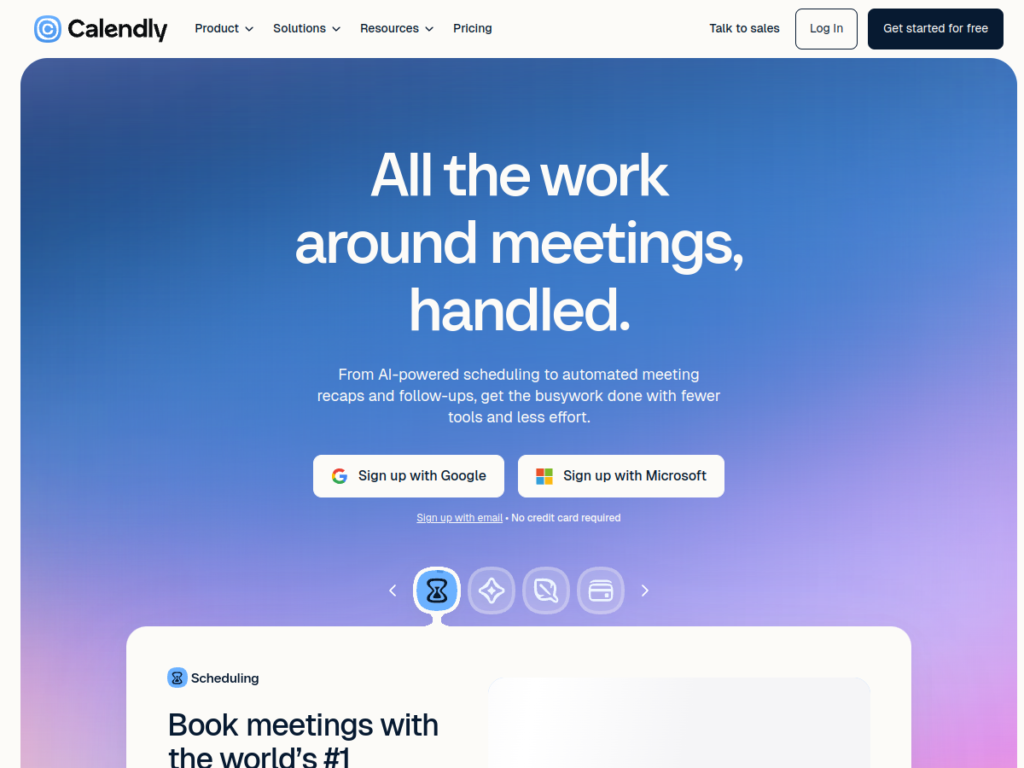
Calendly is the tool every alternative here is measured against.
It is the booking link most invitees already recognise and trust. That familiarity is its biggest strength.
The free plan costs $0 and covers one event type and one calendar connection. That is enough to test the idea of a booking link.
Standard costs $10 per seat a month on yearly billing, or $12 month to month. It adds unlimited event types, up to six calendars, automated reminders, payments through Stripe and PayPal, and HubSpot and Mailchimp connections.
Teams costs $16 per seat a month on yearly billing, or $20 monthly. Round robin, routing forms and centrally managed event types all start here.
There are also Plus versions of both plans. Standard Plus costs $18 a seat a month and Teams Plus costs $24, both on yearly billing. They add Calendly’s AI Notetaker and Callie, the AI assistant that schedules over email.
Enterprise starts at $15,000 a year, with a 50-seat minimum.
What I liked: the widest name recognition of any scheduler. Your invitees never need to learn a new tool.
The honest limit: the price scales with your team, not your revenue. Five people on Teams costs $960 a year, and the free plan is too thin for real business use.
Best for: teams that want the scheduling standard most invitees already recognise.
Pricing: Free $0; Standard $10/seat/mo; Teams $16/seat/mo (yearly billing).
TidyCal — Best Lifetime Deal
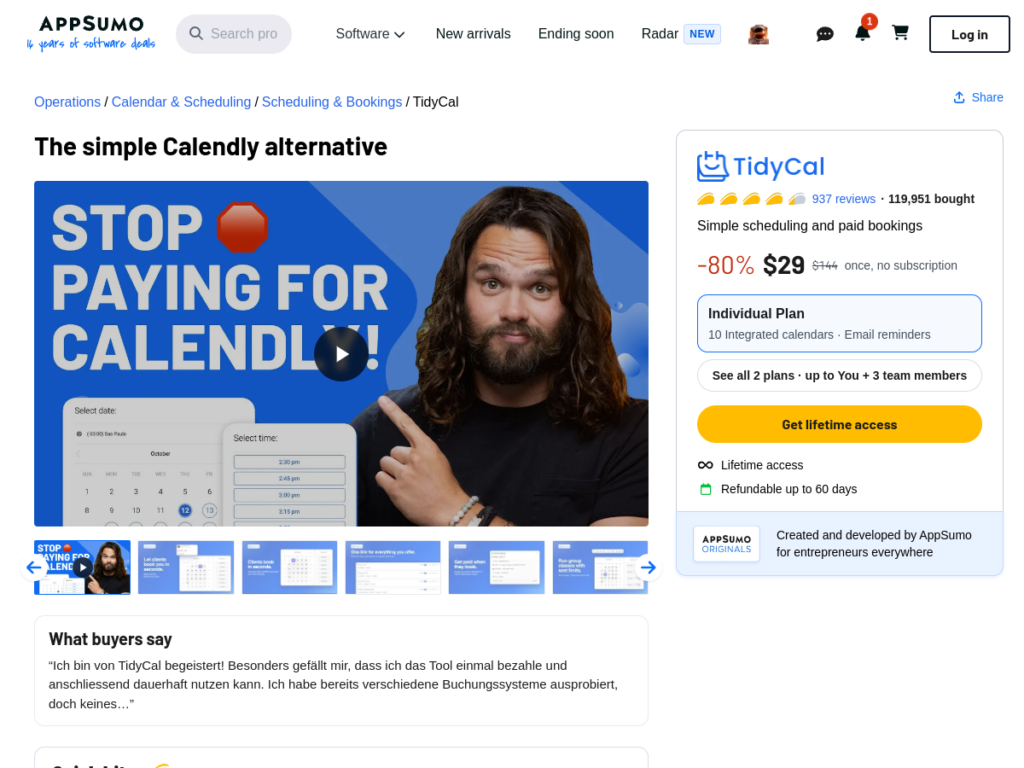
TidyCal is the simple Calendly alternative, built by AppSumo itself.
It does one job well. It gives you a booking link, syncs your calendars, and lets clients book and pay for sessions.
The Individual plan costs $26.10 once on 23 November 2026 — a 10% Black Friday discount on the usual $29 once price, against a $144 list price. It includes 10 integrated calendars and email reminders.
The Agency plan costs $79 once. It adds three team members (four seats including you), a team page, round robin, collective meetings, and 10 SMS reminders a month.
Both plans include lifetime access and a 60-day refund. The deal page shows a rating of 4.33 out of 5 from 940 reviews.
TidyCal works with Google, Outlook and Apple calendars. It creates Zoom, Google Meet and Microsoft Teams links automatically.
Paid bookings carry a 1% platform fee on the Free and Lifetime plans, on top of Stripe or PayPal fees. The optional Pro plan at $8.25 a month billed yearly removes that fee and adds a custom domain.
There is also a free plan at tidycal.com, so you can try it before you pay anything.
What I liked: the maths. One $26.10 payment replaces $120 a year of Calendly Standard. The deal pays for itself in under three months.
The honest limit: lifetime plans show a “Powered by TidyCal” bar on your booking page. Removing it needs the Pro subscription. SMS reminders work in the US and Canada only.
Best for: solo founders, coaches and consultants who want to stop paying a monthly scheduling bill.
Pricing: Individual $26.10 once (10% off $29); Agency $79 once. Rated 4.33/5 from 940 reviews.
Yoya — Best AI Scheduling Assistant
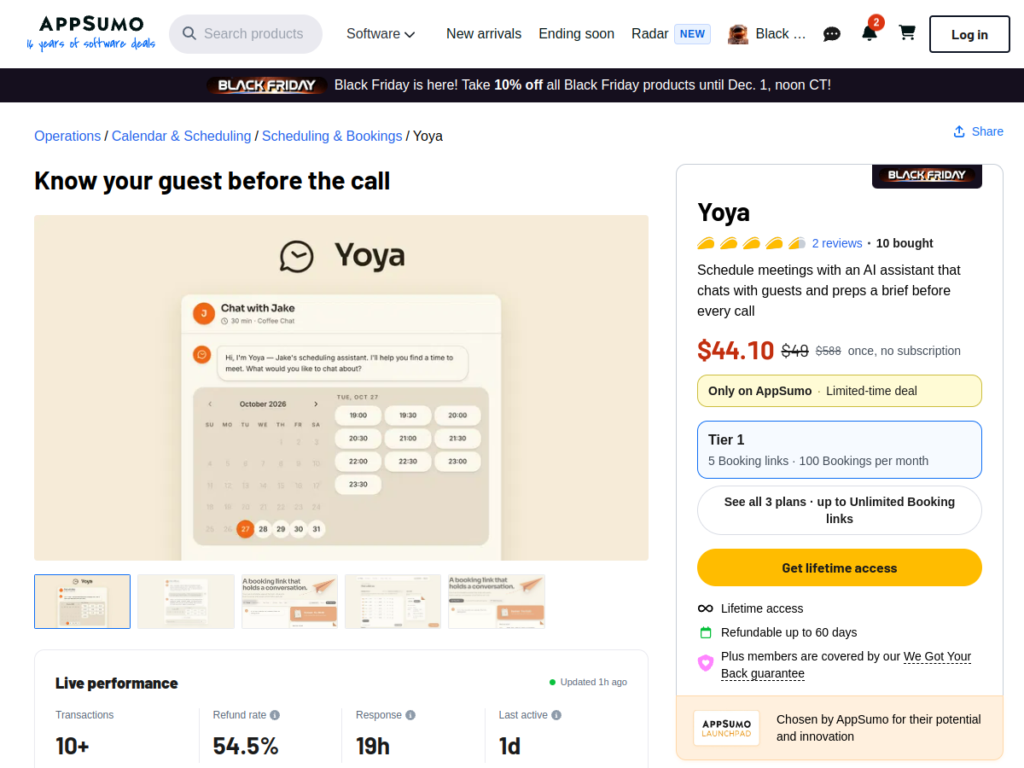
Yoya is different from every other tool in this list.
It does not just show your calendar. An AI assistant chats with your guest, learns what the call is about, and prepares a brief you can read before you join.
For a consultant, a coach or a sales host, that matters. A name and a time slot rarely explain what someone wants from the call. Yoya fixes that before the call starts.
Guests can type or use voice booking, in their own language. They need no Yoya account to book through your public page.
Yoya also works with AI assistants. MCP-compatible assistants can book through a public Yoya page, and hosts can connect their own assistant to manage scheduling.
The Tier 1 deal costs $44.10 once on 23 November 2026 — a 10% Black Friday discount on the usual $49 once price. It is in stock on AppSumo, with a 60-day money-back guarantee.
Tier 2 costs $116.10 once (10% off $129) and Tier 3 costs $224.10 once (10% off $249).
One honest flag: the deal page shows a rating of 4.50 out of 5, but from only 2 reviews. That is too few reviews to lean on. Judge Yoya on its features, not its rating.
Yoya connects to Google Calendar for conflict checking. It supports Google Meet, Zoom and in-person meetings.
What I liked: the meeting brief. Nobody else in this list prepares you for the call before it starts.
The honest limit: only 2 reviews so far, so the tool is young and lightly proven. Higher tiers add features and voice allowances — check the tier table on the deal page before buying.
Best for: consultants, coaches and sales hosts who take discovery calls and want context before every one.
Pricing: from $44.10 once (Tier 1, 10% off $49). Rated 4.50/5 from 2 reviews.
Cal.com — Best Free Plan
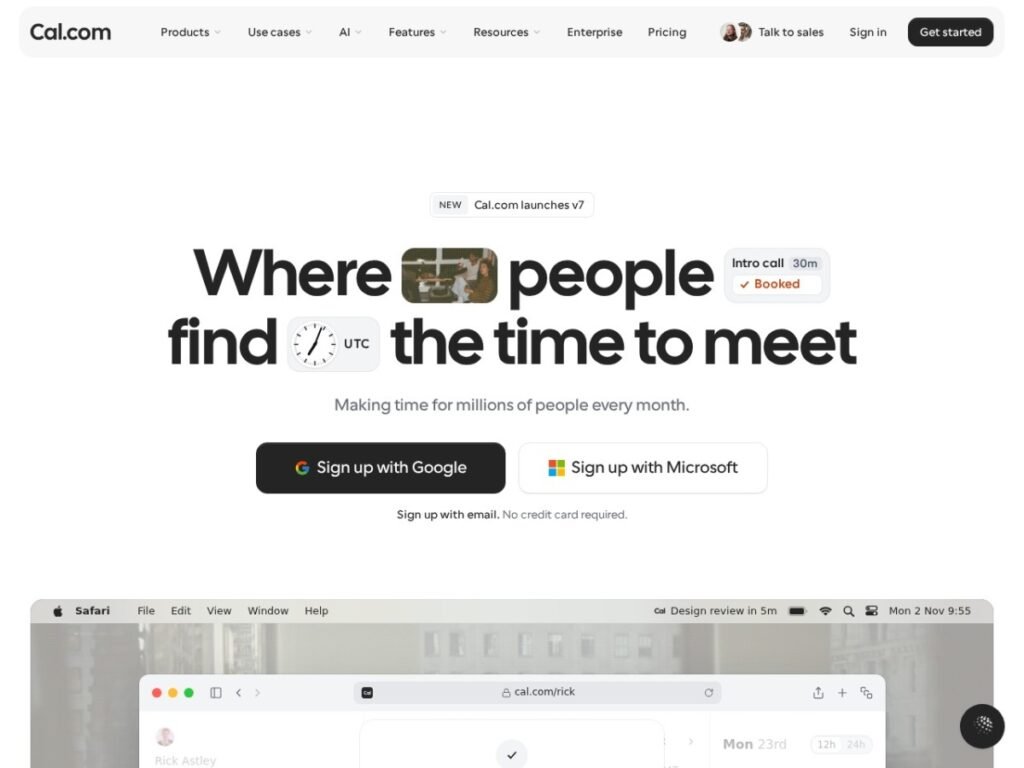
Cal.com is the best free Calendly alternative in this list, and it is not close.
The free plan covers one user with unlimited event types and unlimited calendar connections. It can even import your Calendly event types in one click.
That is a real free plan, not a trial dressed up as one.
Teams costs $12 per user a month on yearly billing, or $16 monthly. That undercuts Calendly Teams by $4 per seat a month, and it includes round robin, routing forms and team scheduling.
There is also an Organizations plan at $28 per user a month for larger setups.
Cal.com was open source for years. The main code closed in April 2026, and the open-source edition now goes by Cal.diy. It is recommended only for personal, non-production use.
The free plan also includes an MCP server, so Claude or ChatGPT can book for you.
What I liked: the free plan is genuinely useful. Most people never need to pay.
The honest limit: the free plan covers exactly one user. A two-person shop hits a paid decision on day one.
Best for: individuals who want a full-featured free plan, and small teams that want cheaper seats than Calendly.
Pricing: Free for 1 user; Teams $12/user/mo (yearly billing).
SavvyCal — Best Booking Experience
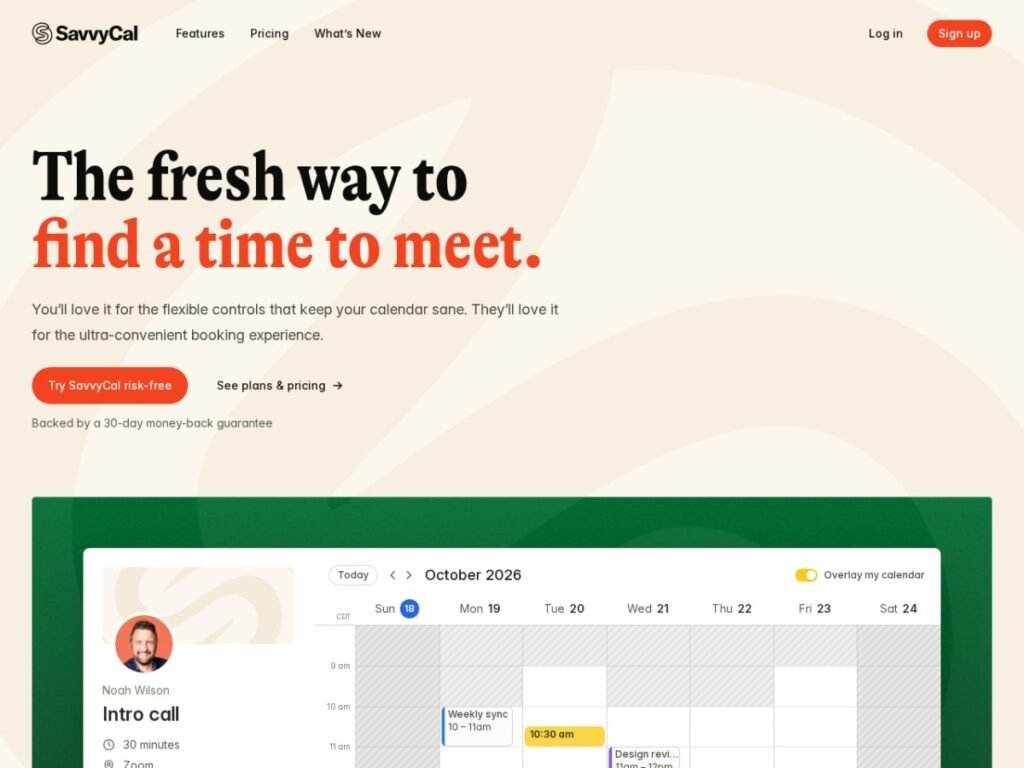
SavvyCal is built around one idea: the person booking you should see your availability in a way that respects theirs too.
Invitees can overlay their own calendar on yours and pick a time that suits both sides. That single feature removes most of the back-and-forth that scheduling usually creates.
It also offers ranked availability, time blocking, frequency limits, meeting polls, and round robin, collective and group modes.
Basic costs $10 per user a month on yearly billing, or $12 monthly. Premium costs $17 per user a month on yearly billing, or $20 monthly, and adds custom domains, delegated access for an assistant, and paid bookings.
There is no free plan — only a free trial. That is the main catch, and it is worth knowing before you fall for the product.
What I liked: the booking experience itself. It is the most polite scheduler in this list, for both sides of the call.
The honest limit: no free plan, and it costs the same as Calendly Standard while being a smaller, less-known name.
Best for: sales calls and high-touch meetings where the invitee’s experience matters as much as yours.
Pricing: Basic $10/user/mo; Premium $17/user/mo (yearly billing). Free trial only.
Acuity Scheduling — Best for Client Appointments
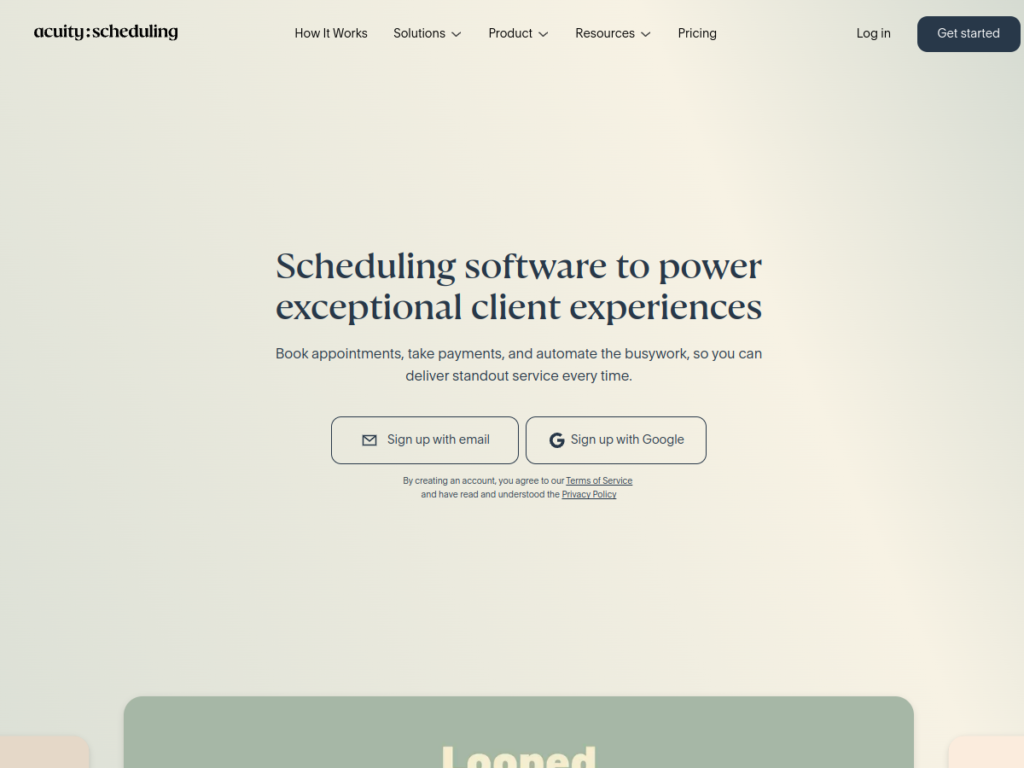
Acuity Scheduling is built for businesses that sell appointments, not colleagues booking calls.
Every plan includes payments through Stripe, Square, PayPal or Venmo, plus intake forms and email reminders. Clients can book and pay in one step.
Starter costs $16 a month on yearly billing, or $20 monthly, for one calendar. Standard costs $27 a month on yearly billing, or $34 monthly, for up to six calendars, and adds text reminders, waitlists, packages, memberships and gift certificates.
Premium costs $55 a month on yearly billing, or $69 monthly, for up to 36 calendars, and adds a signed BAA for HIPAA and a custom API and CSS.
There is no free plan — only a 7-day trial.
Acuity is now part of Squarespace, which is good news for Squarespace site owners and a non-issue for everyone else.
What I liked: the commerce side. Packages, classes, memberships and gift certificates are all built in, not bolted on.
The honest limit: no free plan, and it is priced per account by calendar count, so a growing practice pays more as it adds calendars.
Best for: coaches, salons, clinics and consultants who sell time and take payment at booking.
Pricing: Starter $16/mo; Standard $27/mo; Premium $55/mo (yearly billing). 7-day trial, no free plan.
Doodle — Best for Group Polls
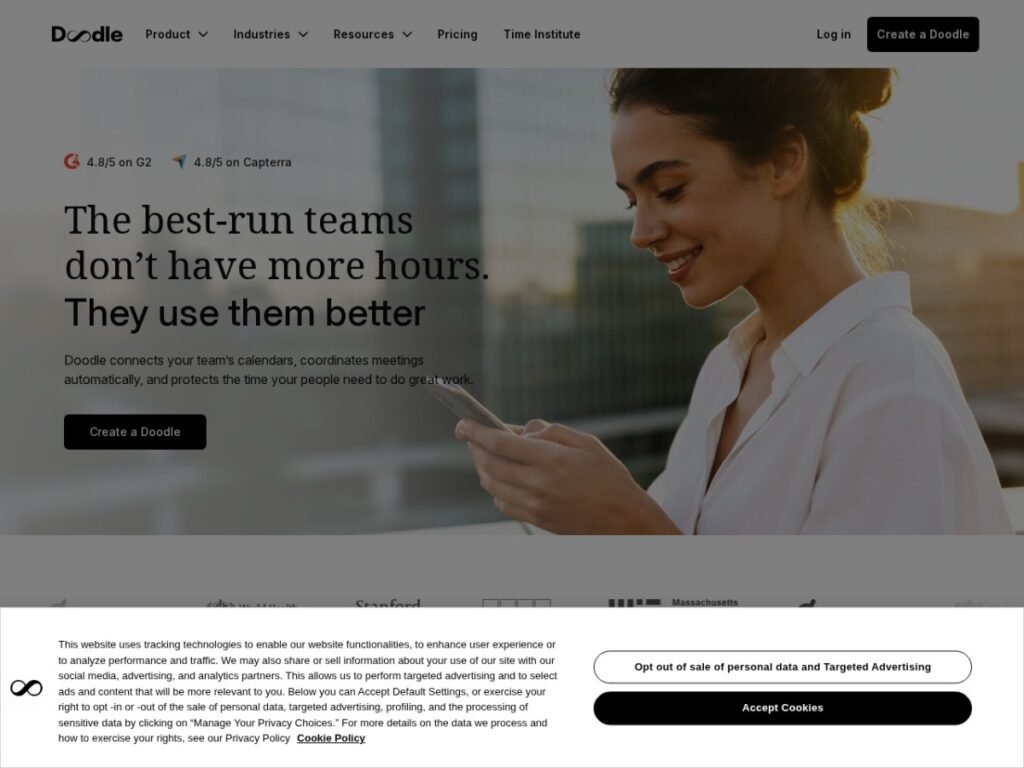
Doodle is still the easiest way to find a time that suits a group.
You send a poll, everyone marks when they are free, and the best slot wins. No other tool in this list does group polling this well.
The free plan includes one group poll, one booking page, one 1:1 meeting type and basic sign-up sheets.
Pro costs $11 per seat a month on yearly billing, or $17 monthly, for one user. Team costs $16 per seat a month on yearly billing, or $20 monthly, and adds SSO and priority support.
Doodle also handles 1:1 booking pages, but that is not its strength. Buy Doodle for the polls.
What I liked: group polling that actually works. Ten people, one link, one answer.
The honest limit: as a 1:1 booking tool it is weaker than everything else here, and its paid plans cost as much as Calendly.
Best for: teams, clubs and groups that need many people to agree on one time.
Pricing: Free plan; Pro $11/seat/mo; Team $16/seat/mo (yearly billing).
When the Free Plan Stops Being Enough
This list of Calendly alternatives covers six tools, and the free end of it is stronger than most people expect. A free scheduler covers a solo calendar — the free plan here stays free while you use it, with no trial clock running. The paid decision comes later, when a limit you actually hit forces it: a second seat, round robin, or a connection your workflow needs.
Then check the tools around the booking. If every booking should land in your CRM, pick the tool whose connection actually works with the system you already use — a scheduler that only exports a spreadsheet will cost you an hour a week in copy-paste. Workflows matter here too: automated reminders cut no-shows, and a follow-up message after the call turns a booking into a next step without you remembering to send it. If bookings come from your website, connect Google Analytics to the booking page so you can see which page actually produces bookings. A scheduling tool that handles the whole loop — book, remind, follow up, record — is worth more than a cheaper link that only does the first step.
Finally, test the free version before you pay for anything. A free plan that covers your real bookings for a month tells you more than any review, including this one. If it runs out — one user, one calendar, a trial that ends — you will know exactly which limit pushed you to pay, and you can pick the paid plan that removes that limit and nothing else. That is how you stop paying a monthly cost for a booking link you barely use.
How to Choose
Start with how many people need a booking link.
Just you? TidyCal at $26.10 once or Cal.com free will cover you. Pick TidyCal if you want paid bookings, pick Cal.com if you want the free plan to stay free.
Two to five people? Compare Cal.com Teams at $12 per user a month against Calendly Teams at $16. That $4 gap is $240 a year for a five-person team.
Selling appointments? Acuity Scheduling is the only tool here built around payment at booking, packages and classes.
Taking discovery calls? Yoya at $44.10 once prepares a brief for every call, which no subscription tool here does.
Need ten people to agree on a time? Doodle’s polls beat every booking page in this list.
Already on Google Workspace or Microsoft 365? Check Google Calendar appointment schedules and Microsoft Bookings first. They are included in plans you may already pay for.
Before You Buy
Check the plan limits, not just the headline price.
Calendly’s free plan allows one event type. Cal.com’s free plan allows unlimited event types but only one user. TidyCal’s lifetime plans show TidyCal branding unless you add Pro.
Lifetime deals can end. One scheduling deal already did: zcal was $59 once on AppSumo and was due to end on 12 November. On 23 November its AppSumo page reads “Sold out”.
That is the risk with lifetime deals. The price is real while it lasts, and gone when it ends.
Both lifetime deals in this article — TidyCal and Yoya — carry AppSumo’s 60-day money-back guarantee. If the tool does not fit, you can get your money back.
For subscription tools, watch the renewal price. Most vendors show the yearly-billing price first. Monthly billing costs 17–25% more.
Finally, re-check every price on the vendor’s own page before you buy. Prices change.
FAQ
What is the best free Calendly alternative?
Cal.com has the best free plan. One user gets unlimited event types and unlimited calendar connections for $0, and it imports Calendly event types in one click.
Is there a Calendly alternative you pay for once?
Yes. TidyCal costs $26.10 once on AppSumo during Black Friday, and Yoya costs $44.10 once. Both are lifetime deals with a 60-day money-back guarantee.
What is the cheapest Calendly alternative for a team?
Cal.com Teams at $12 per user a month on yearly billing. It undercuts Calendly Teams at $16 per seat a month and includes round robin and routing forms.
Does TidyCal really replace Calendly?
For solo booking, yes. It covers 1:1, group and recurring bookings, syncs Google, Outlook and Apple calendars, and takes paid bookings. It lacks Calendly’s routing forms and Salesforce connections, which only teams usually need.
Which Calendly alternative is best for coaches?
TidyCal for paid 1:1 sessions at $26.10 once, or Yoya at $44.10 once if you want an AI brief before every discovery call. For selling packages and classes, Acuity Scheduling fits better.
Can I switch from Calendly without losing my bookings?
Yes. Cal.com imports Calendly event types in one click. For other tools, recreate your event types once, then share the new link. Existing Calendly bookings stay in your calendar.
Is Doodle still worth using in 2026?
Yes, for group scheduling. Its polls remain the easiest way to find a time ten people agree on. For 1:1 booking pages, Cal.com or TidyCal serve you better.
Do I need a CRM connection in a scheduling tool?
Only if bookings should feed your sales follow-up. If every booking is a lead, a CRM connection saves the manual copy-paste and keeps the guest’s answers with the record. If you book calls with people you already know, a shared calendar is enough, and a CRM connection is a feature you will pay for and never use.
Can a free scheduler take payments at booking?
Not usually. A free one takes bookings, not money — payment at booking needs a paid plan or a lifetime deal. For service businesses that sell appointments, that matters: the lifetime deal in this list takes paid bookings with a small platform fee, and Acuity Scheduling takes payment at booking on every plan.
How many bookings make a paid plan worth it?
Count what the free plan cannot do, not how many bookings you take. One user with unlimited calendars can run a busy solo practice on a free plan for years. The moment you need a second seat, round robin or routing, the paid plan earns its keep — Cal.com Teams costs $12 per user a month, against $16 for Calendly Teams, and that gap is $240 a year for a five-person team.
Do Calendly alternatives handle time zones properly?
The tools in this list sync with your calendar, so a guest sees your availability in their own time zone and the booking lands correctly. The part to test is the edges: a guest booking across the date line, and daylight-saving changes. Book a test slot from a different time zone before you share the link widely.
Verdict
Calendly is a good tool with a price that grows every time your team does.
For most small businesses, that trade is a bad one.
My pick is TidyCal. One payment of $26.10 replaces a $120-a-year subscription, and it handles everything a solo founder, coach or consultant actually books.
If you want free, Cal.com is the answer. Its free plan is the most generous in this list, and its Teams plan is the cheapest way to give a small team round robin.
If your calls need context, Yoya is worth a look at $44.10 once. The AI brief is a genuinely new idea, and the price is low enough to try.
Pick the tool that matches how you actually book meetings. Then stop paying a monthly bill for a link.
You Might Also Like
- Best AI Tools for Small Business — free tools and lifetime deals for small teams.
- Best AI Tools for Business — the broader guide, with TidyCal featured among the lifetime deals.
- 61 Best AppSumo Lifetime Deals — every verified lifetime deal in one place.
- Inrō Review — the ManyChat alternative for Instagram leads, from our own testing and video.
- Best AI Tools for Researchers — research faster with AI tools that cite their sources.